Getting Started — New to Blockchain Wallets?
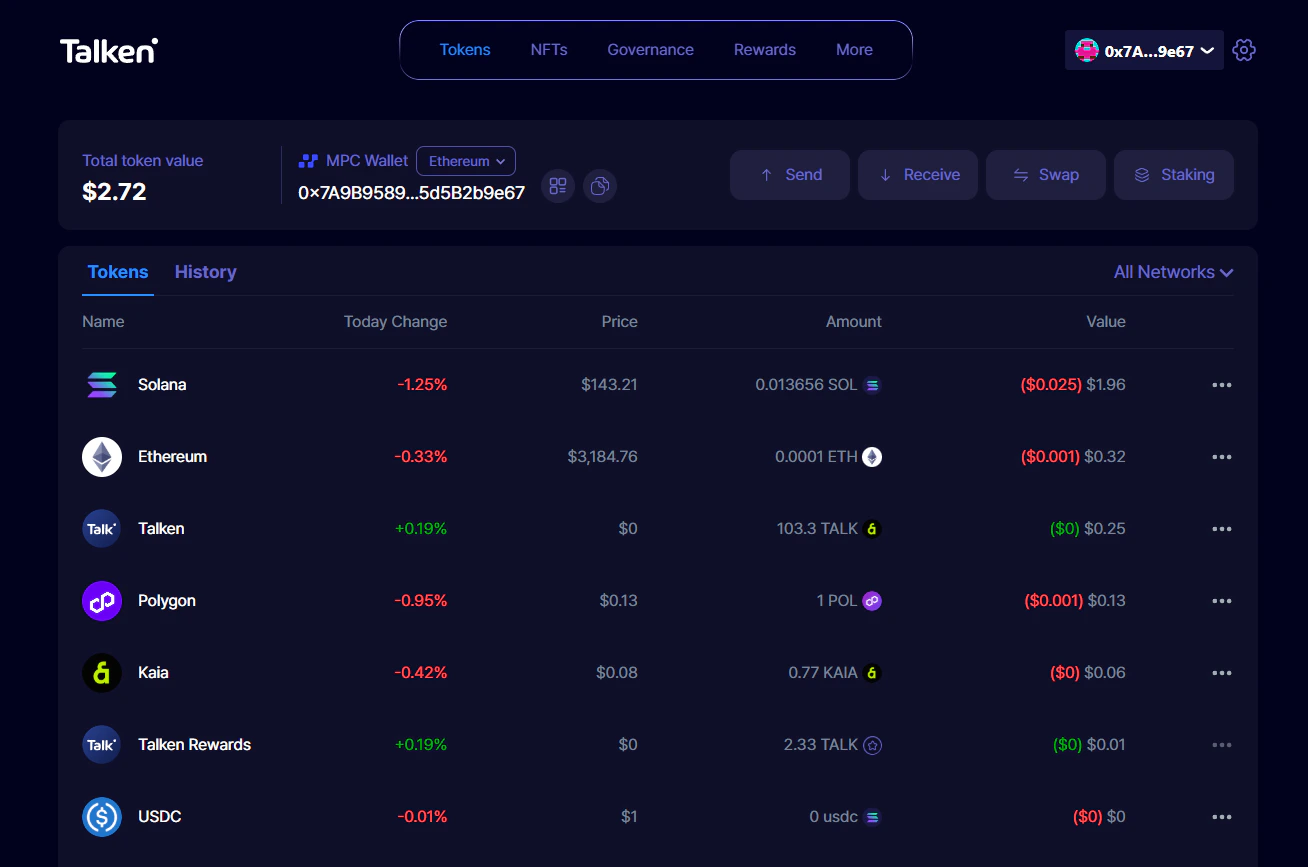
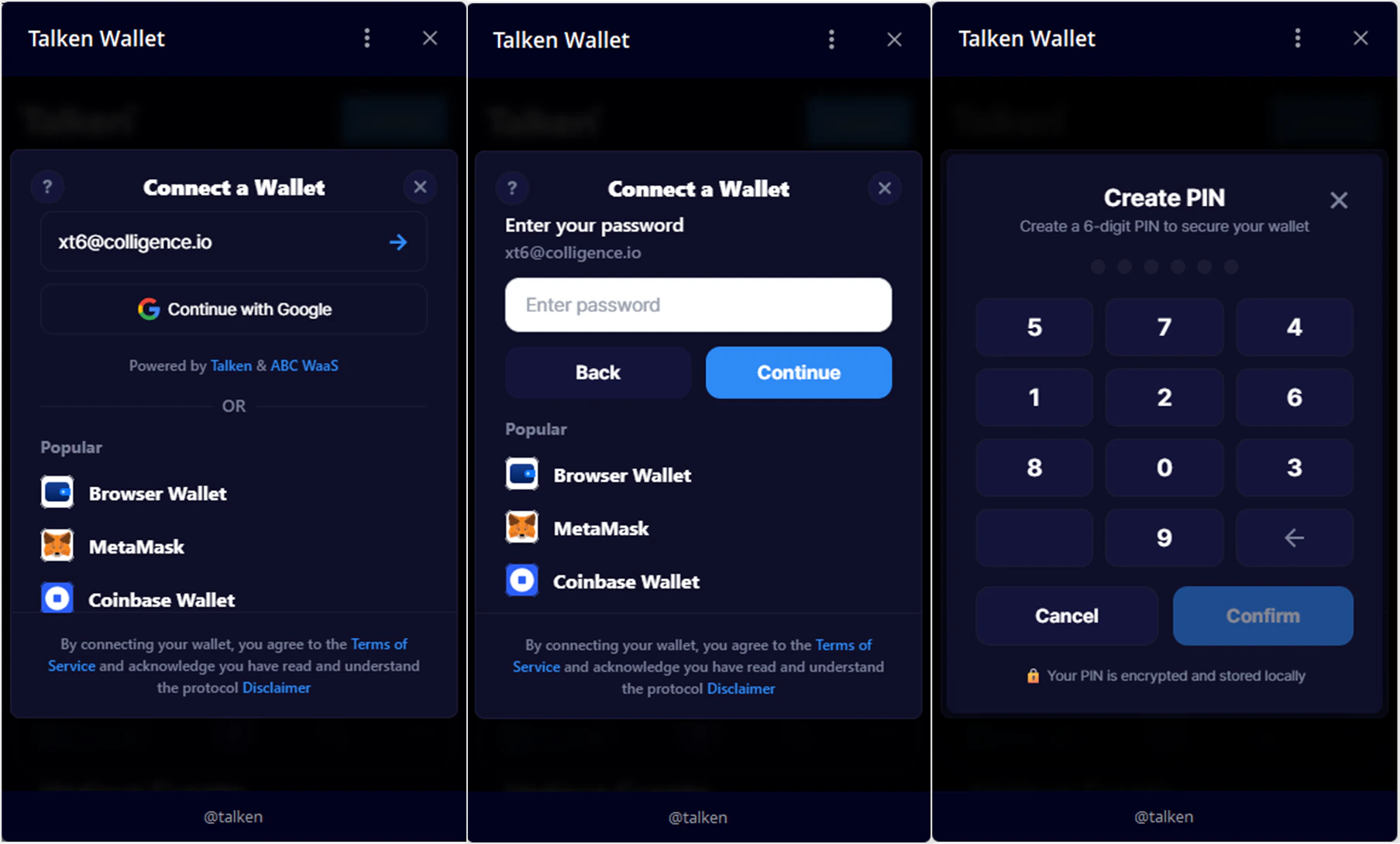
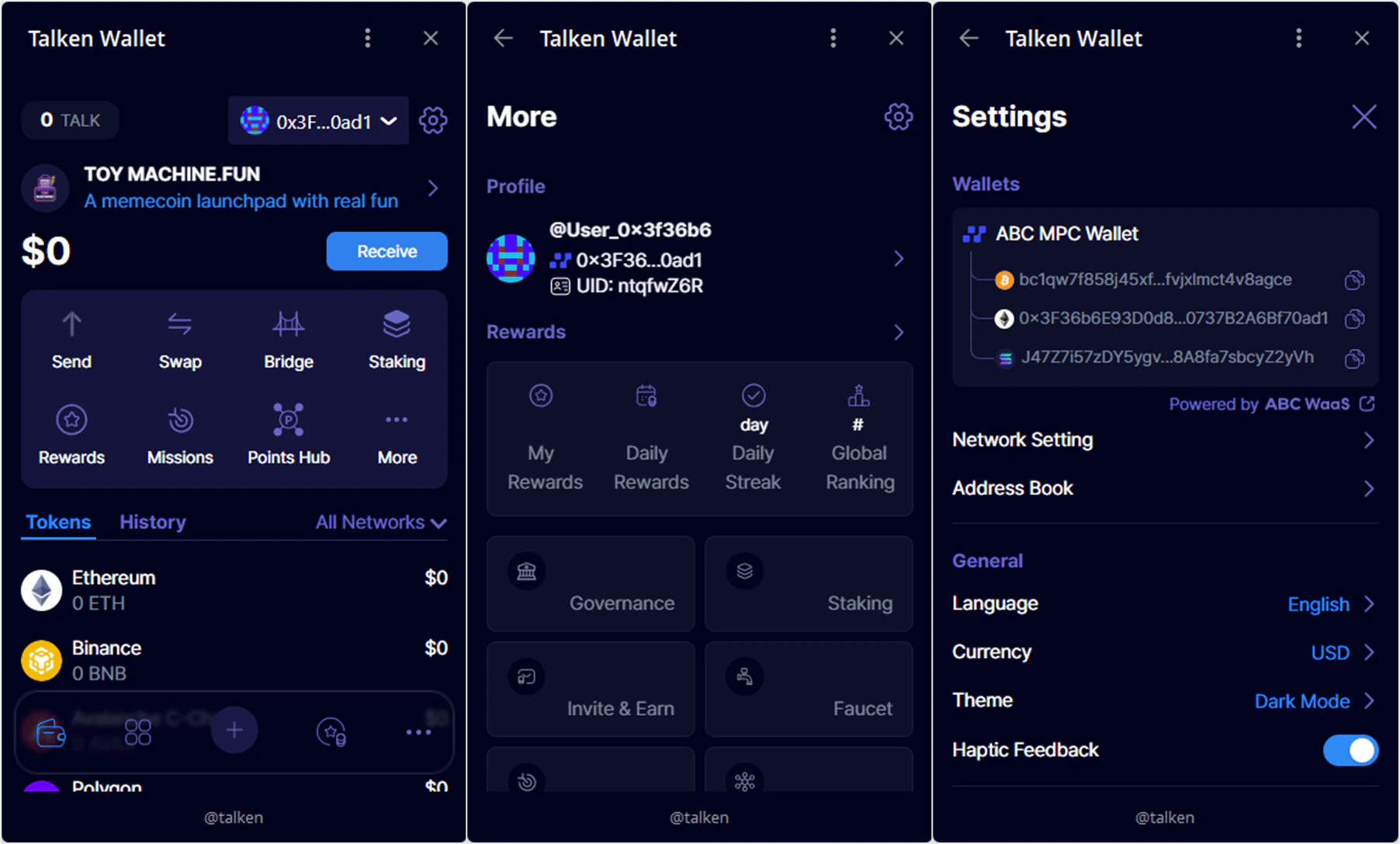
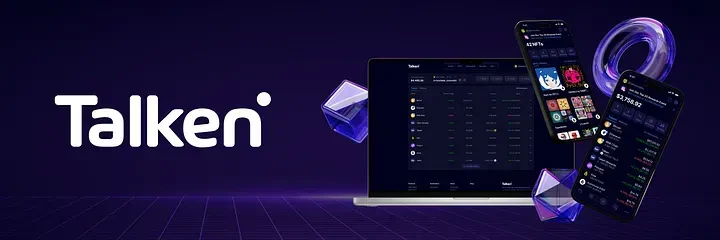
If you’re new to blockchain wallets, Talken Wallet lets you start easily and securely — no need to manage complicated recovery (seed) phrases. Talken Wallet is a secure Web3 wallet powered by MPC (Multi-Party Computation) technology. It keeps your assets safe without recovery phrases by distributing your private key across multiple parties. It provides a consistent experience across Mobile, Web, Desktop, and Telegram.Sign Up
- Web
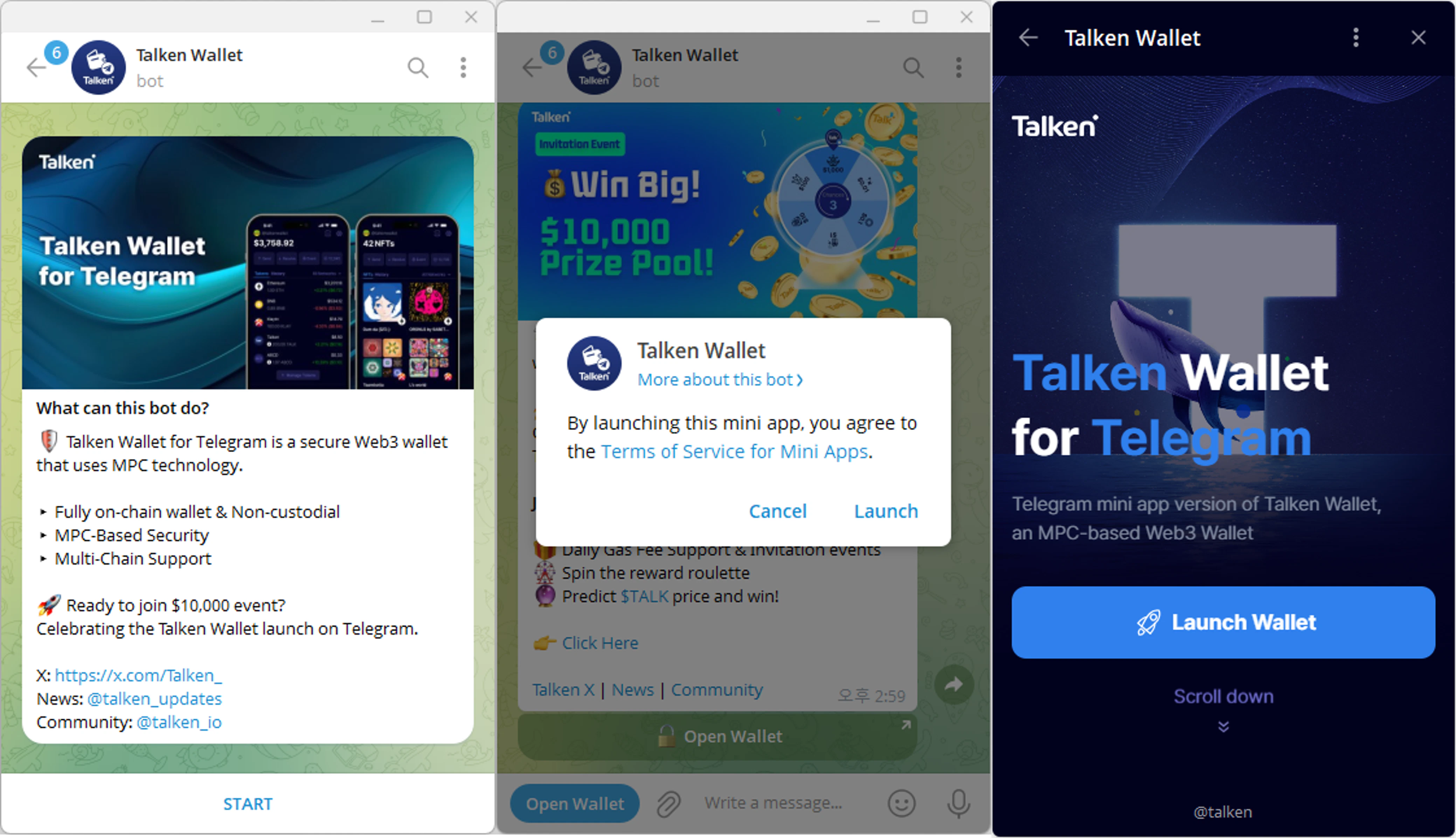
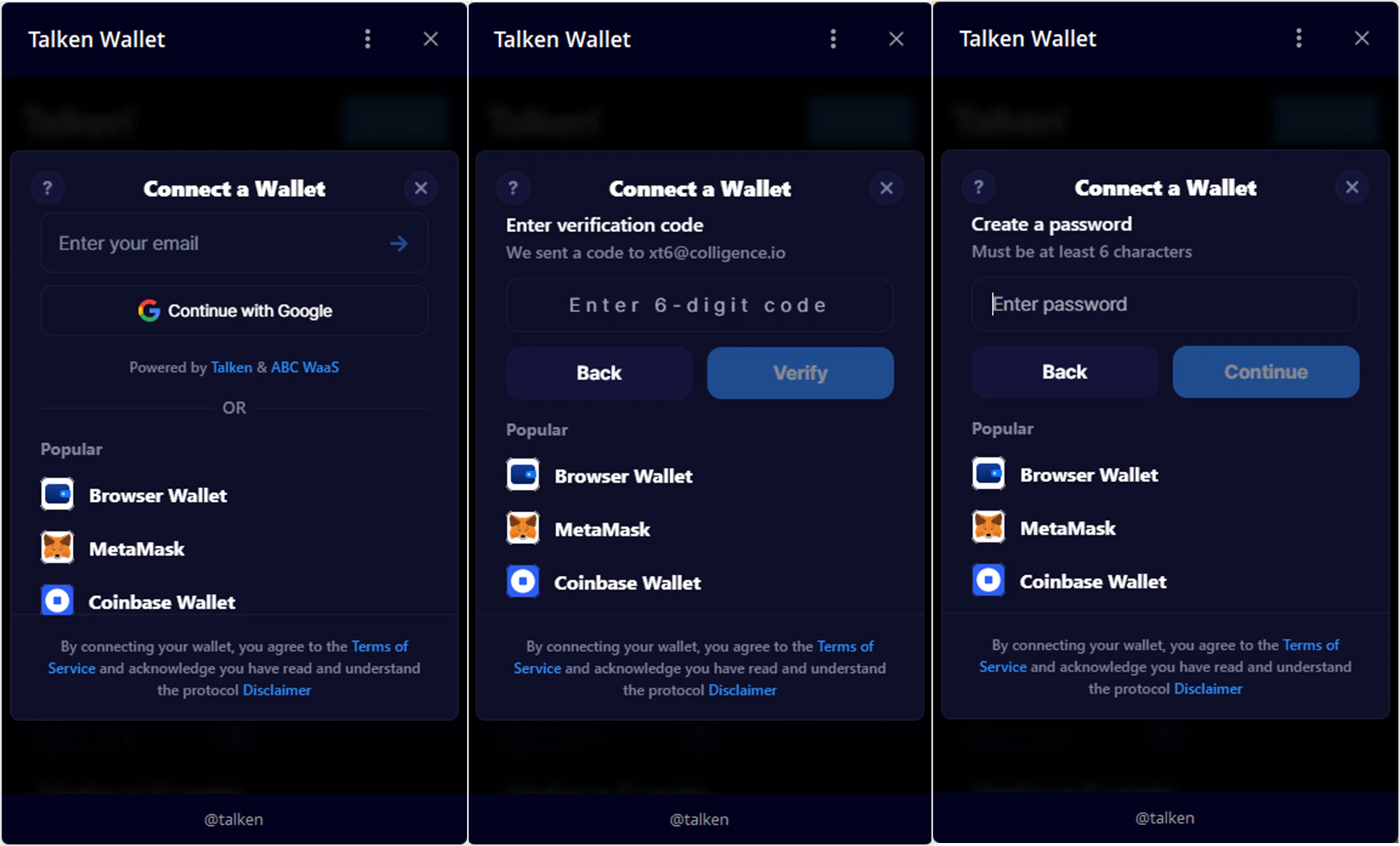
- Telegram
Access Website
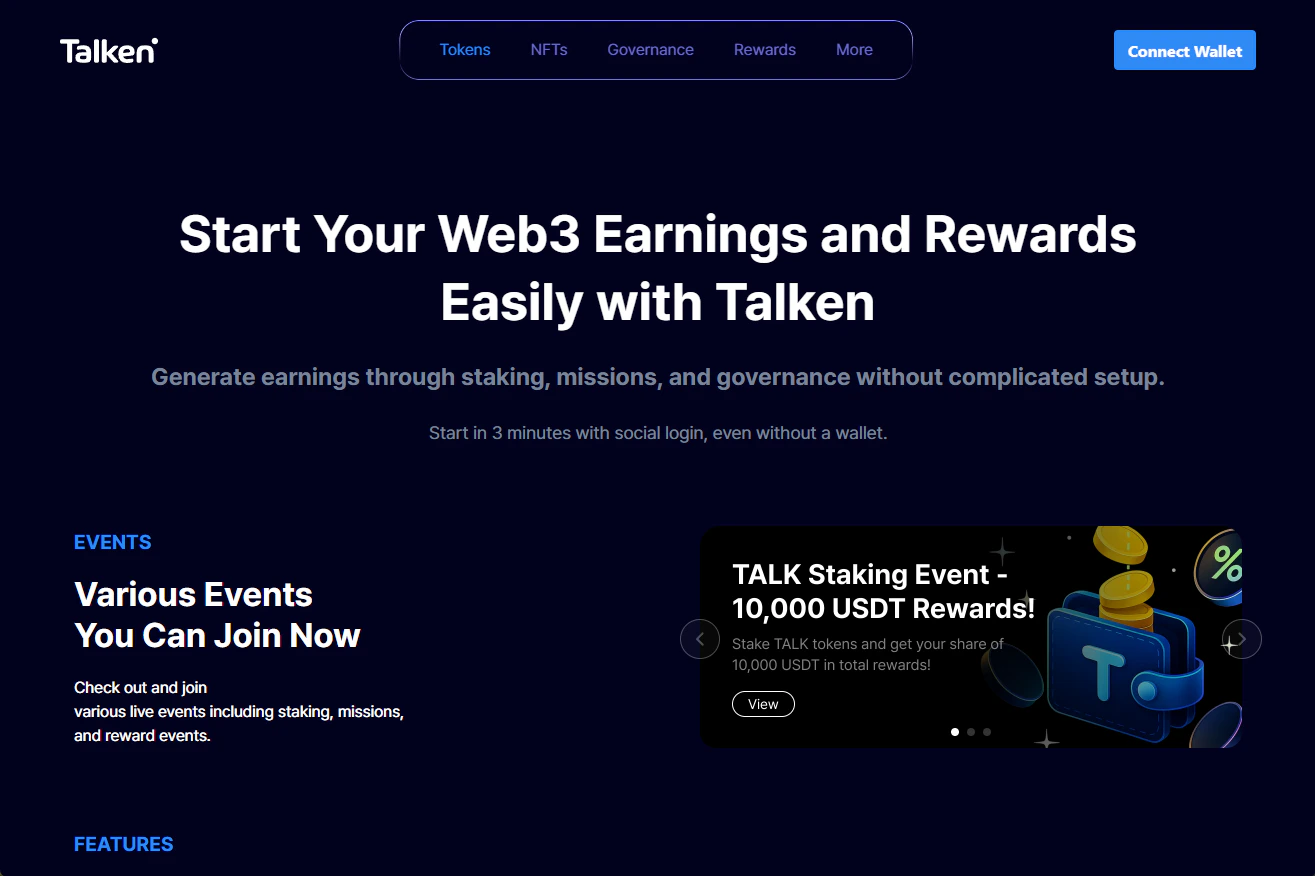
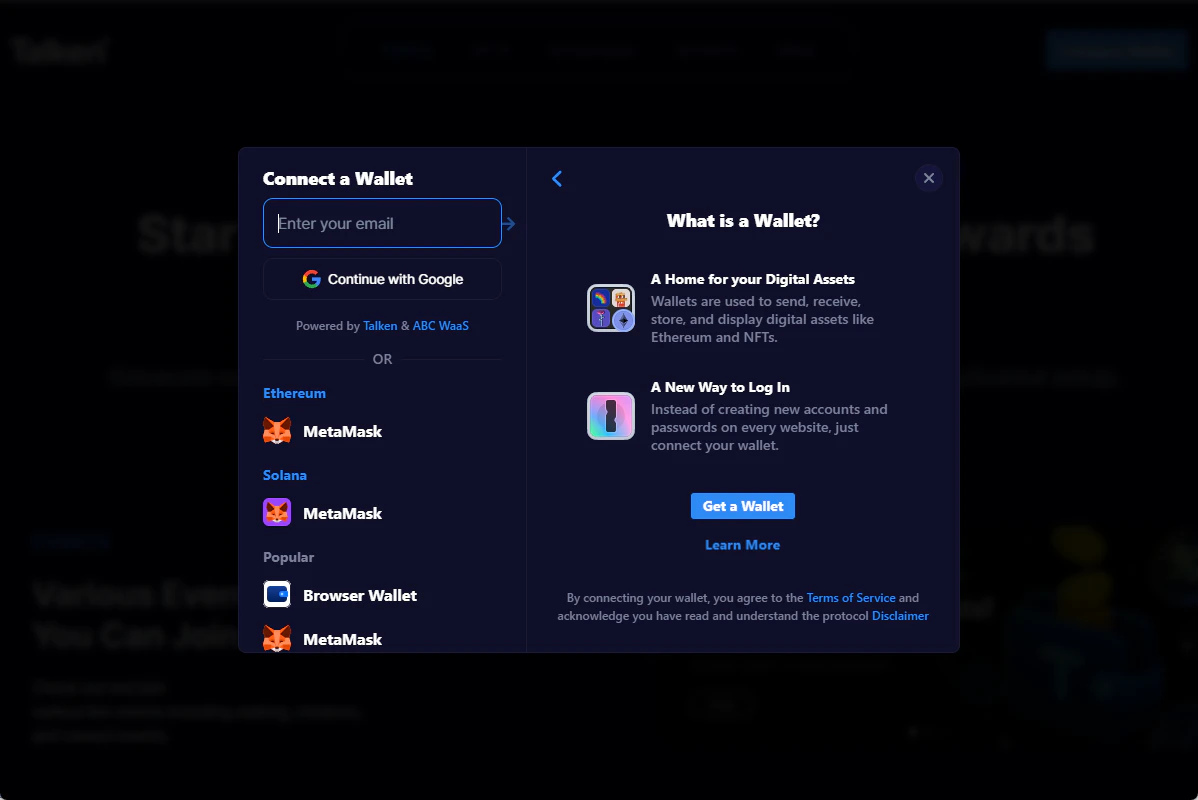
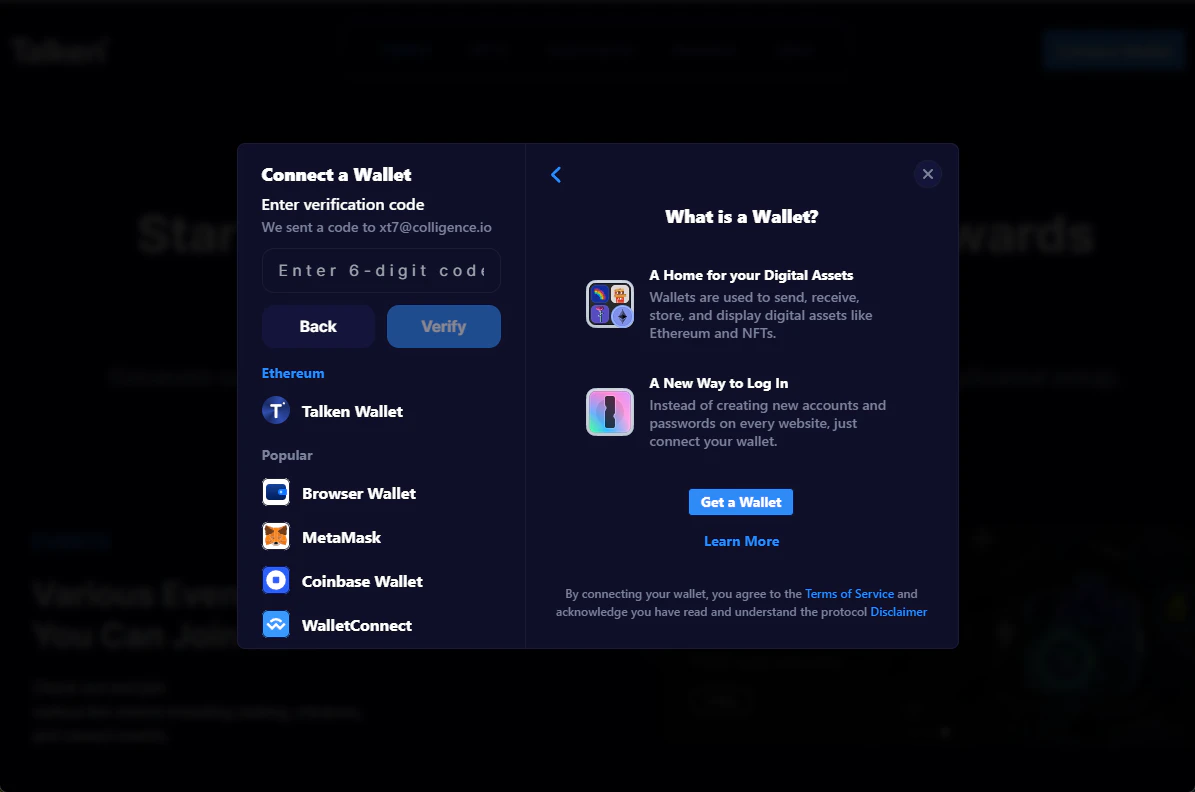
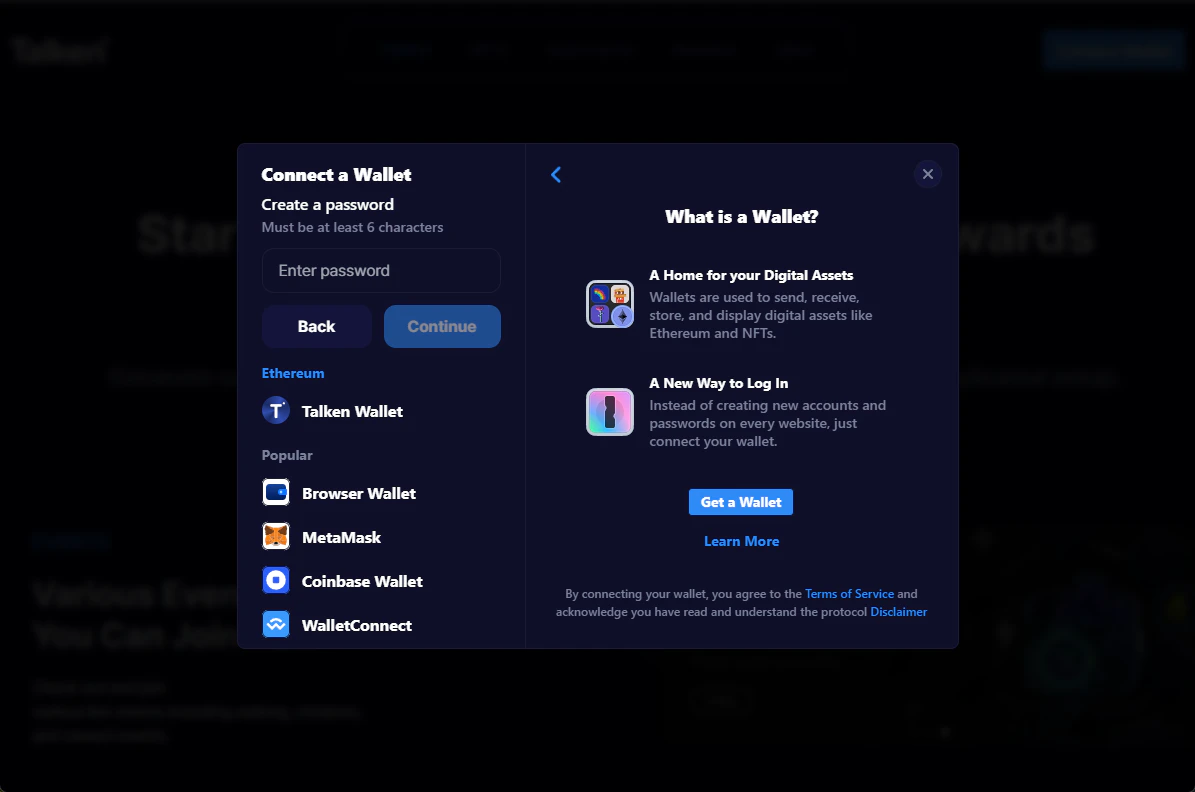
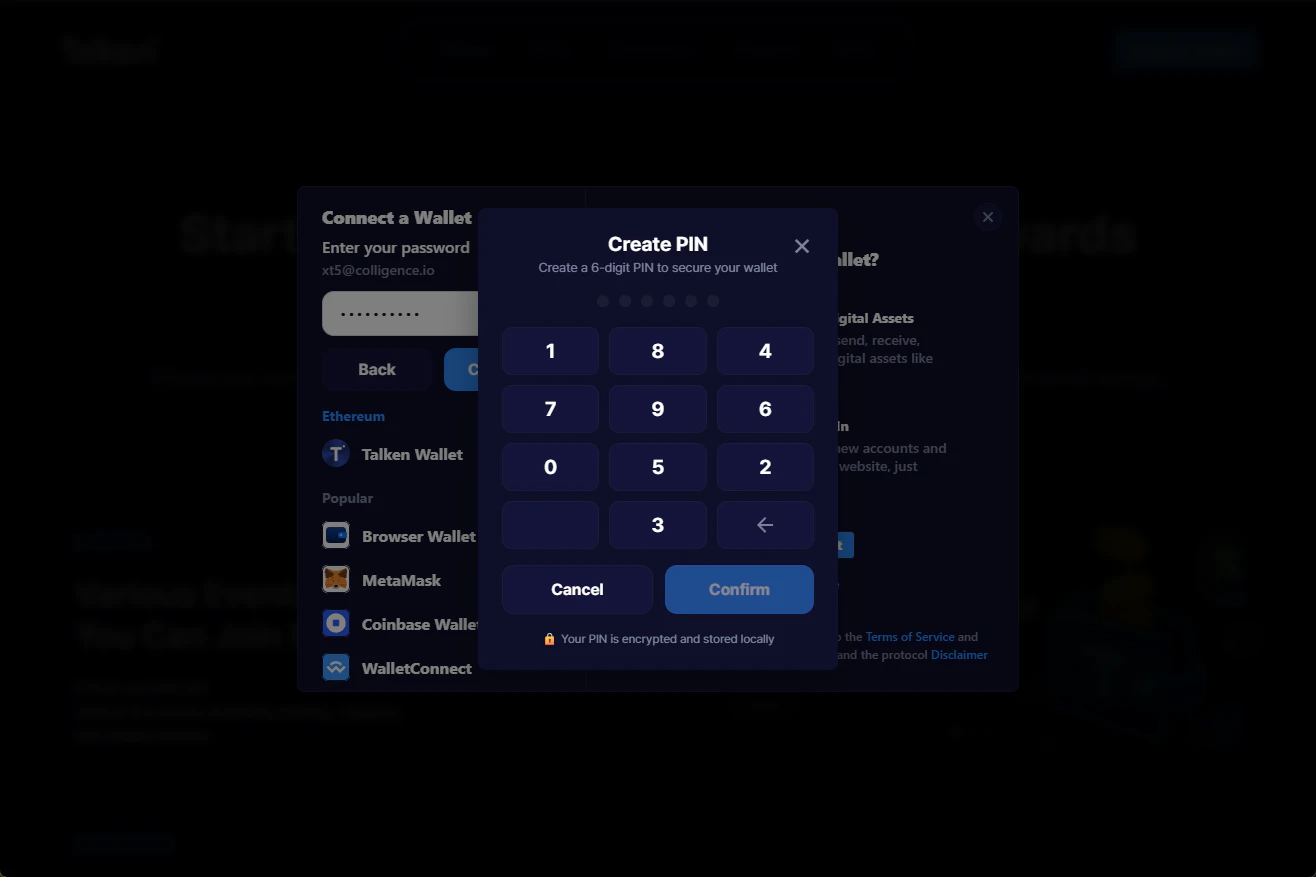
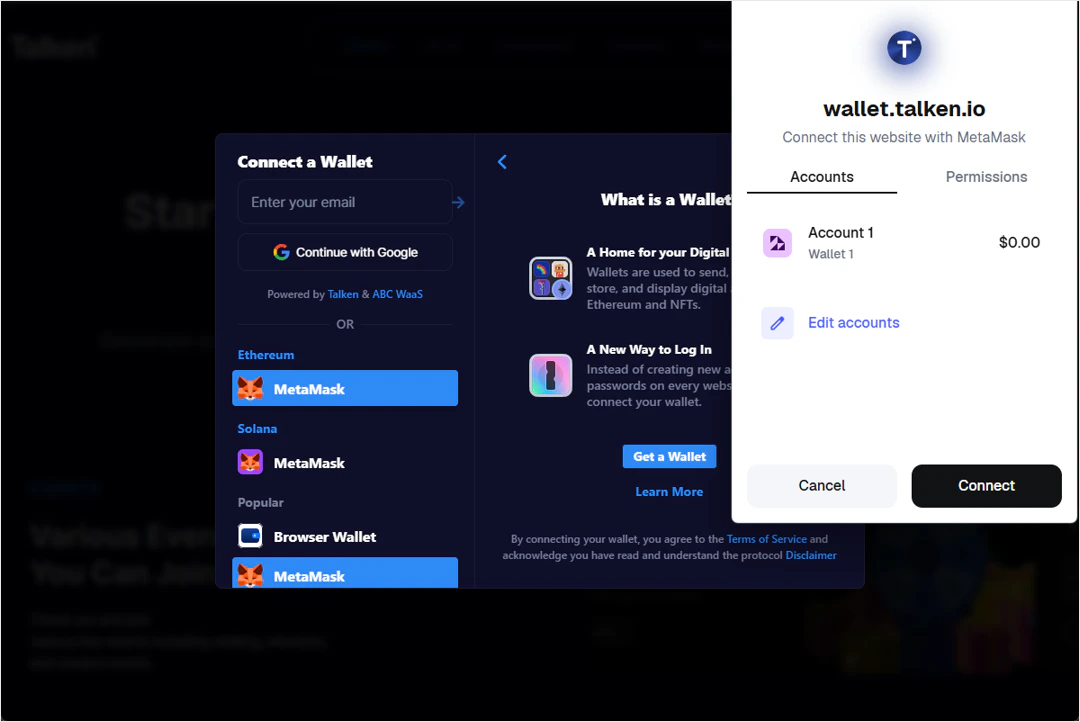
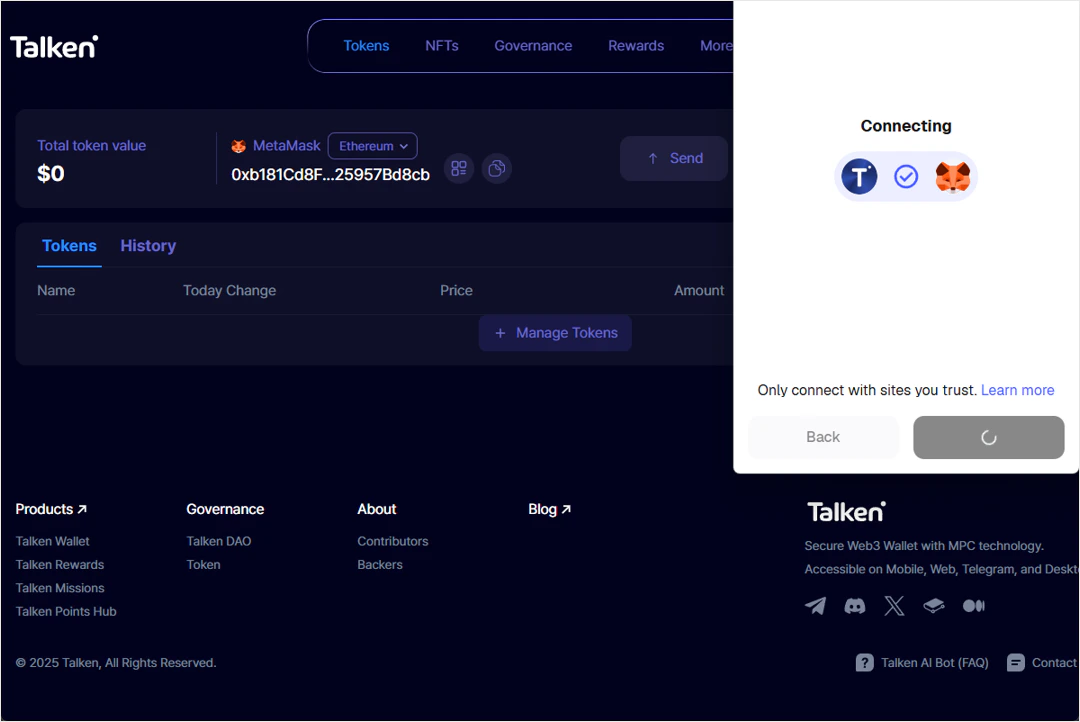
Go to https://wallet.talken.io and click Connect Wallet