Getting Started — New to Blockchain Wallets?
If you’re new to blockchain wallets, Talken Wallet lets you start easily and securely — no need to manage complicated recovery (seed) phrases. Talken Wallet is a secure Web3 wallet powered by MPC (Multi-Party Computation) technology. It keeps your assets safe without recovery phrases by distributing your private key across multiple parties. It provides a consistent experience across Mobile, Web, Desktop, and Telegram.Sign Up
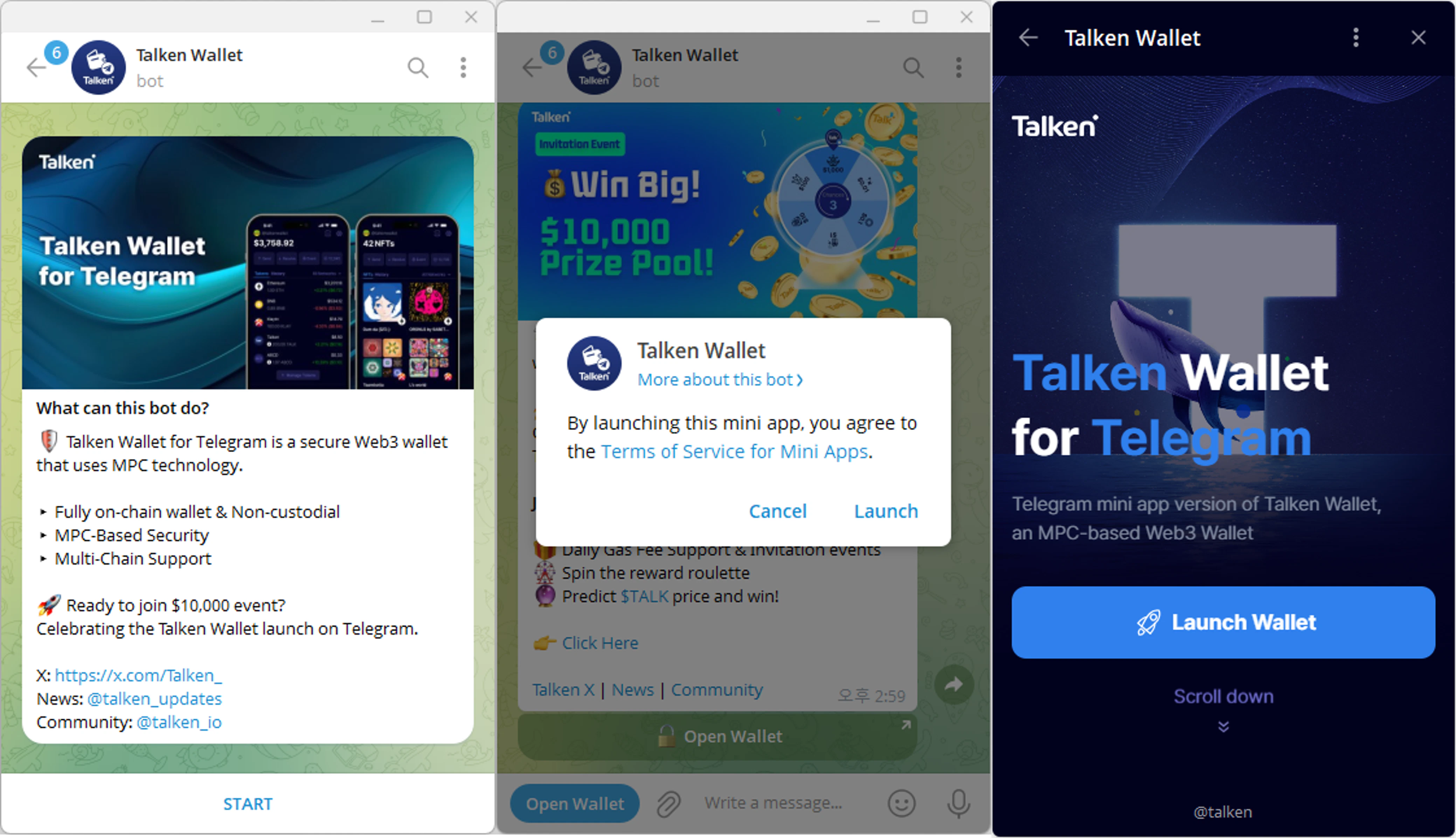
- Web
- Telegram
1
Access Website
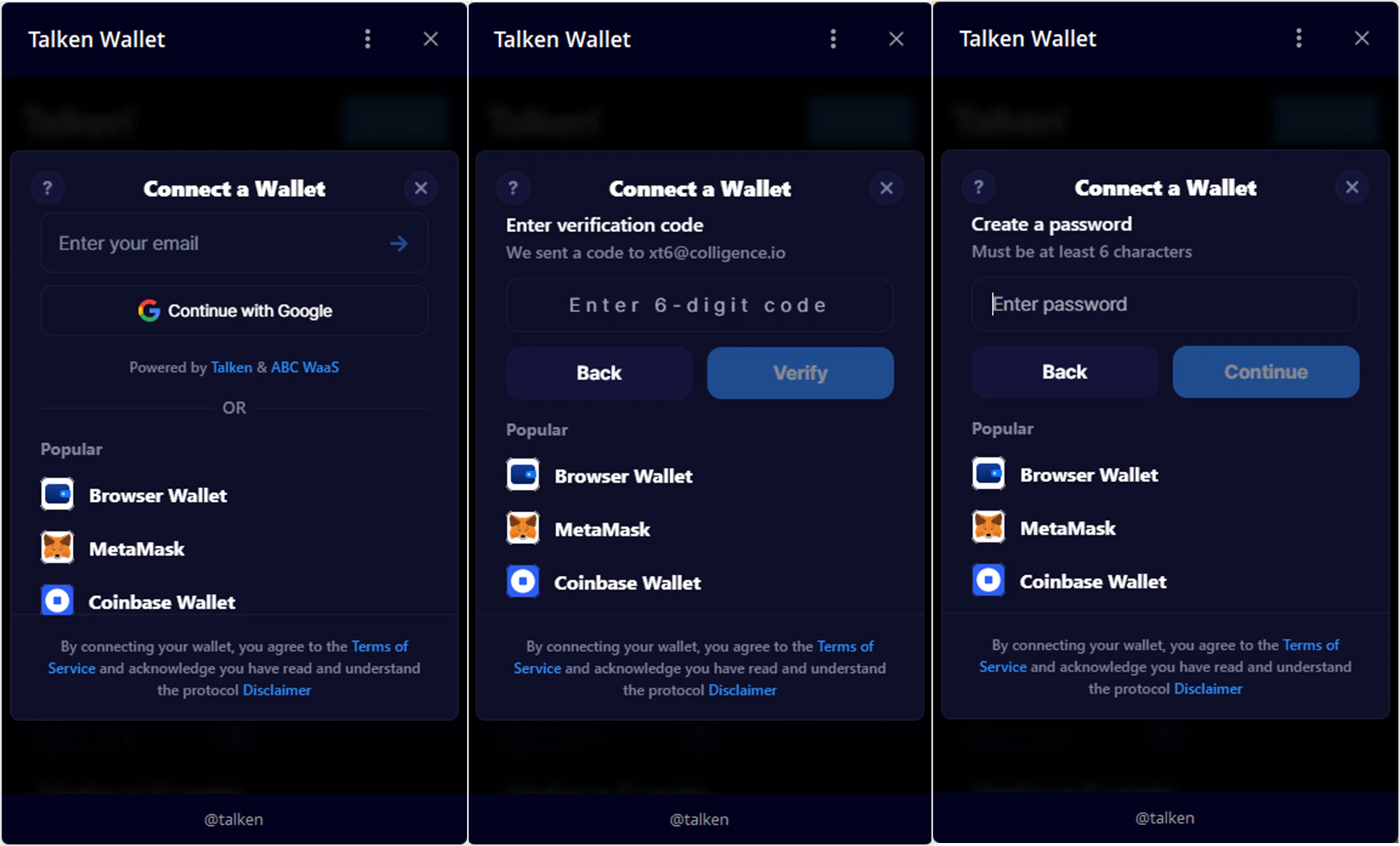
Go to https://wallet.talken.io and click Connect Wallet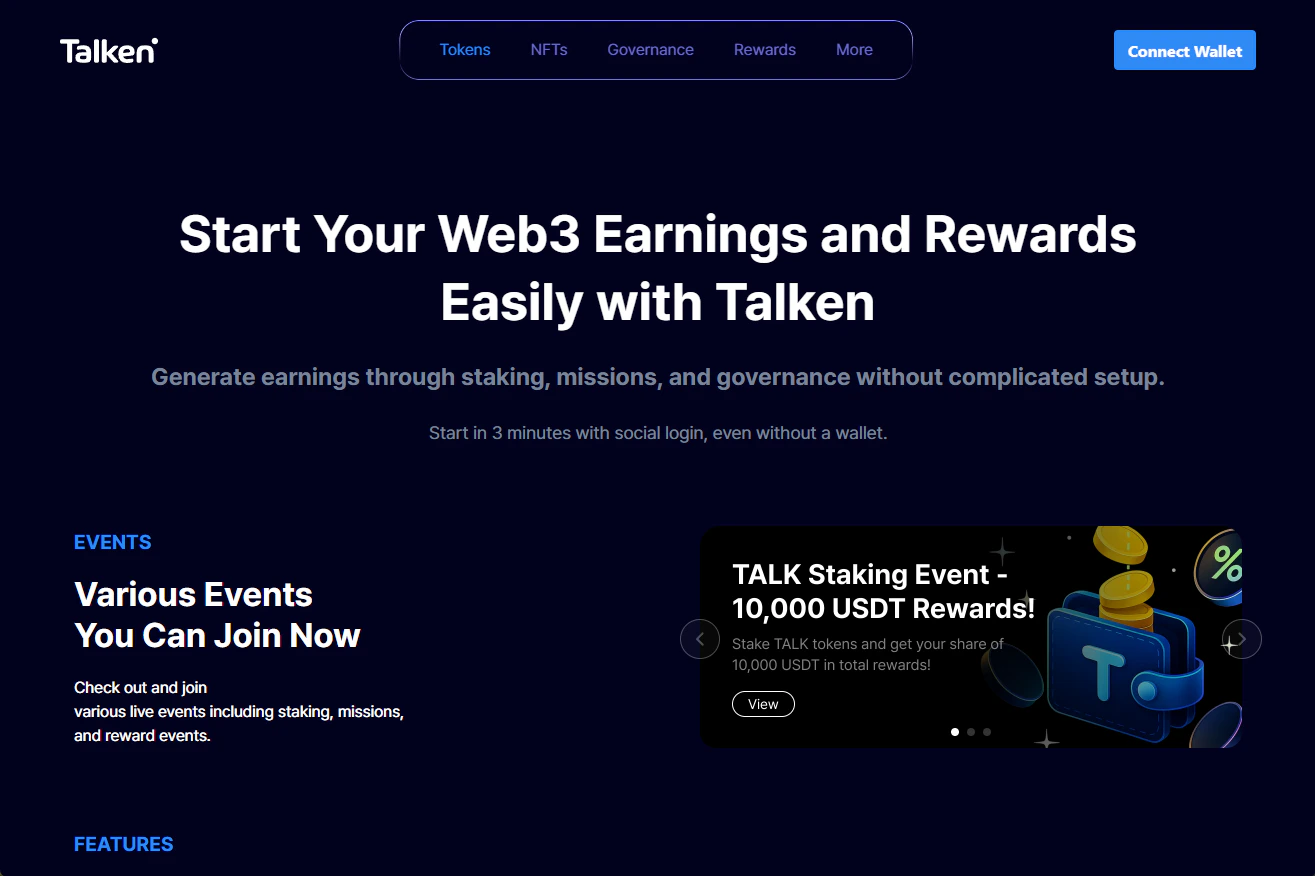
2
Select Login Method
Choose from Email, SNS (Google), or External Wallet connection.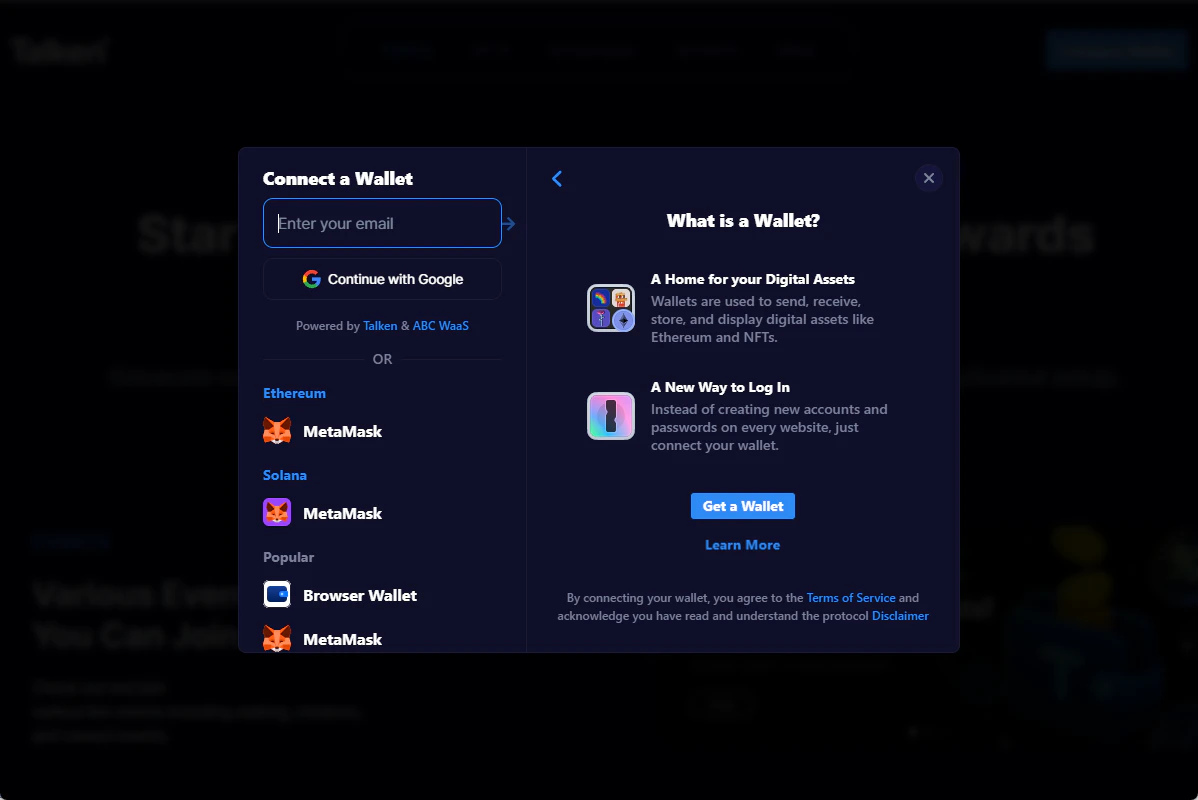
3
Email Verification
Enter your email address and input the verification code sent to your email.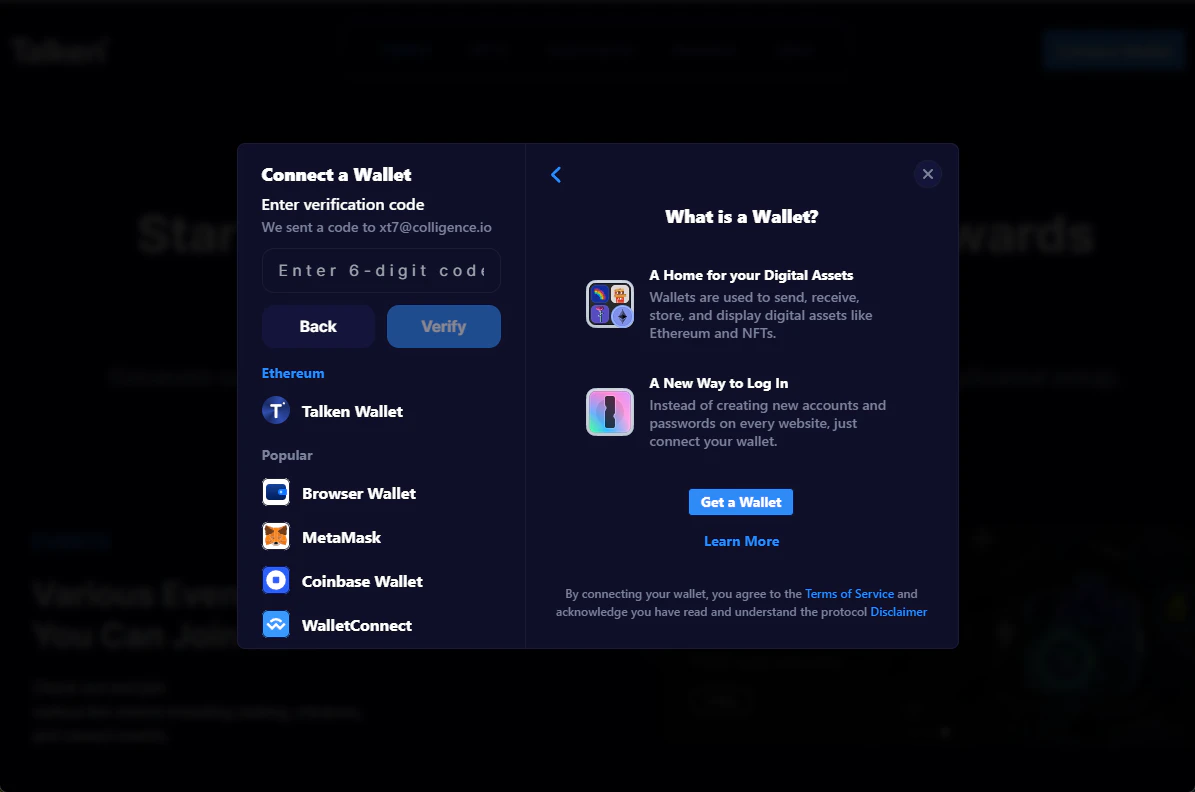
4
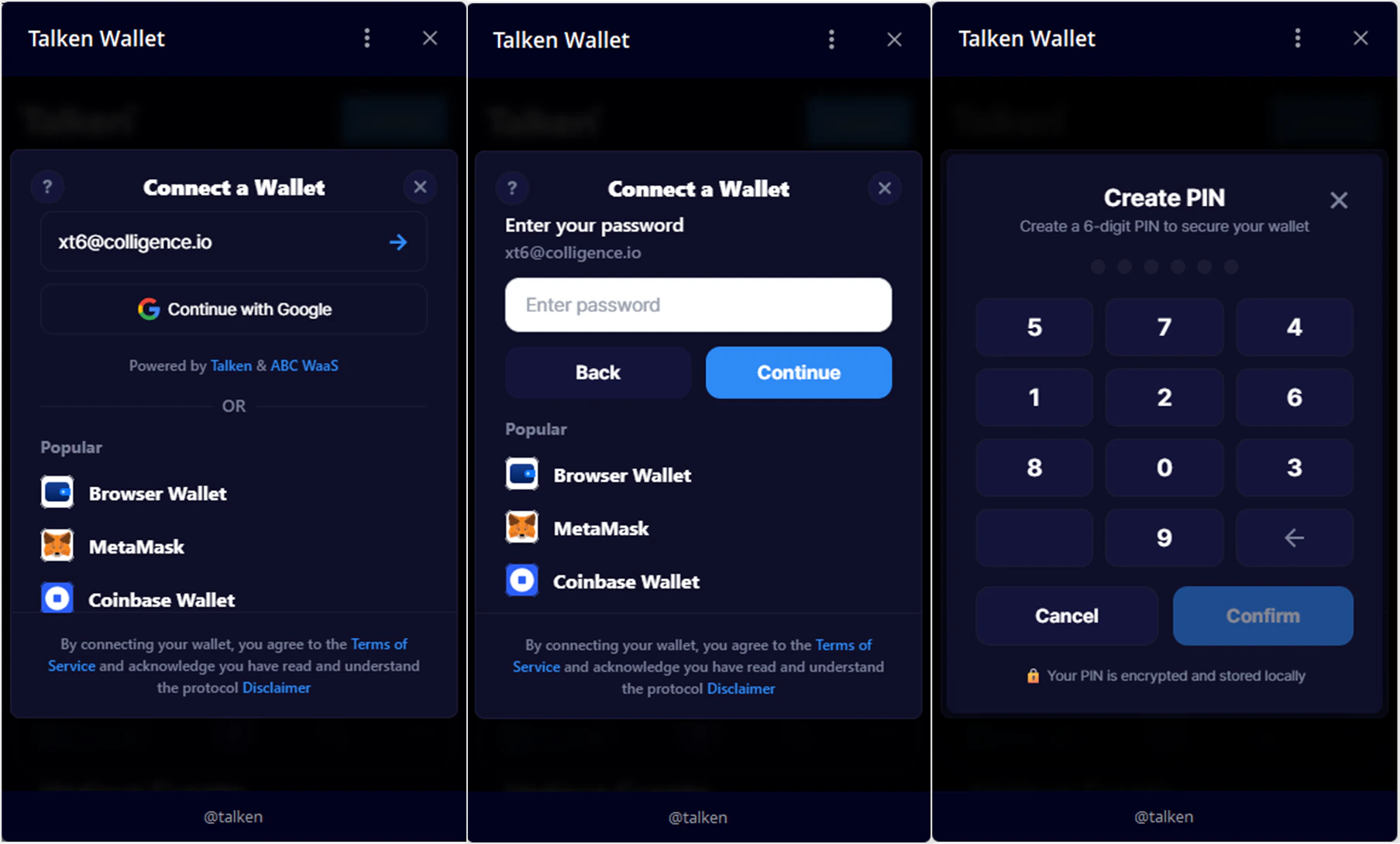
Set Password
Set your password and complete the sign-up process.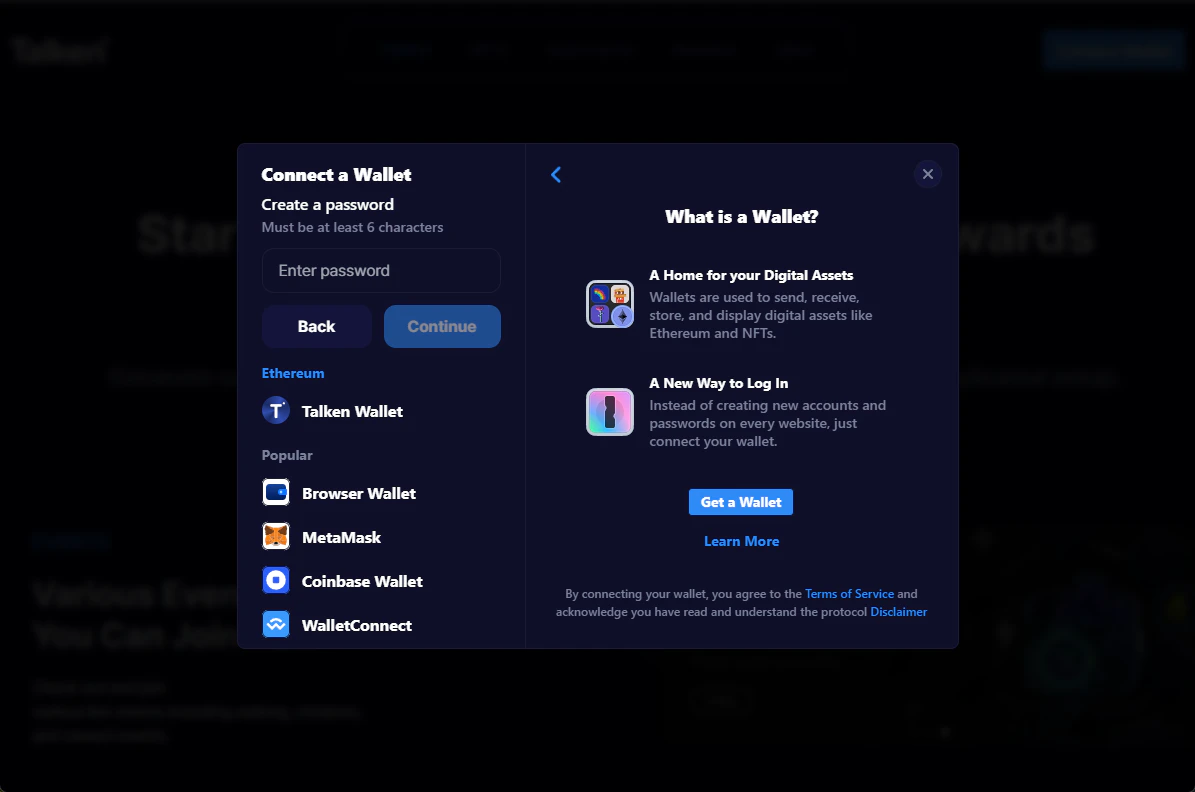
5
Set Your PIN
Set a 6-digit PIN to use for transactions and signing.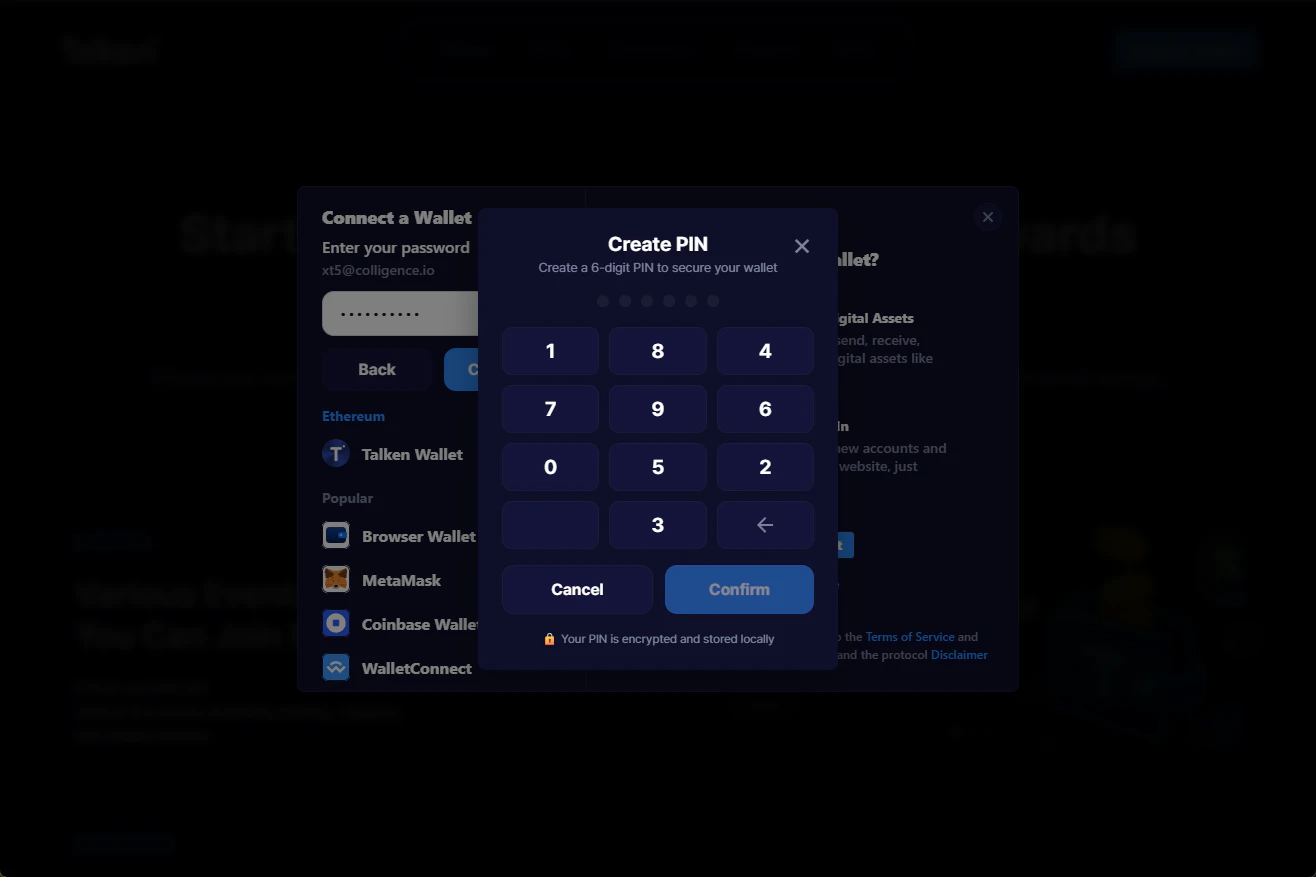
6
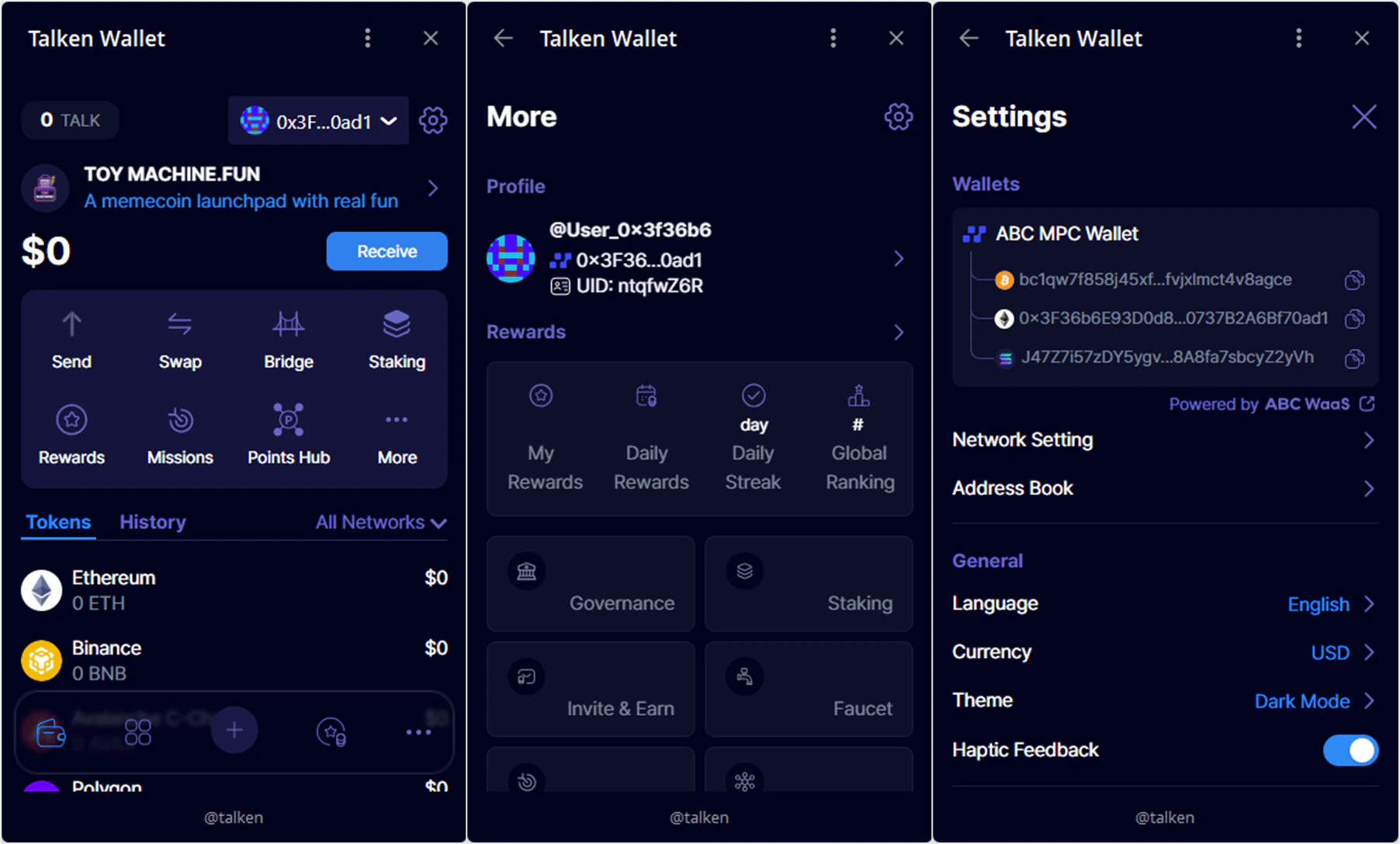
Done
Sign-up complete! You can find your account and UID in [More], and your wallet address in [⚙️ Settings].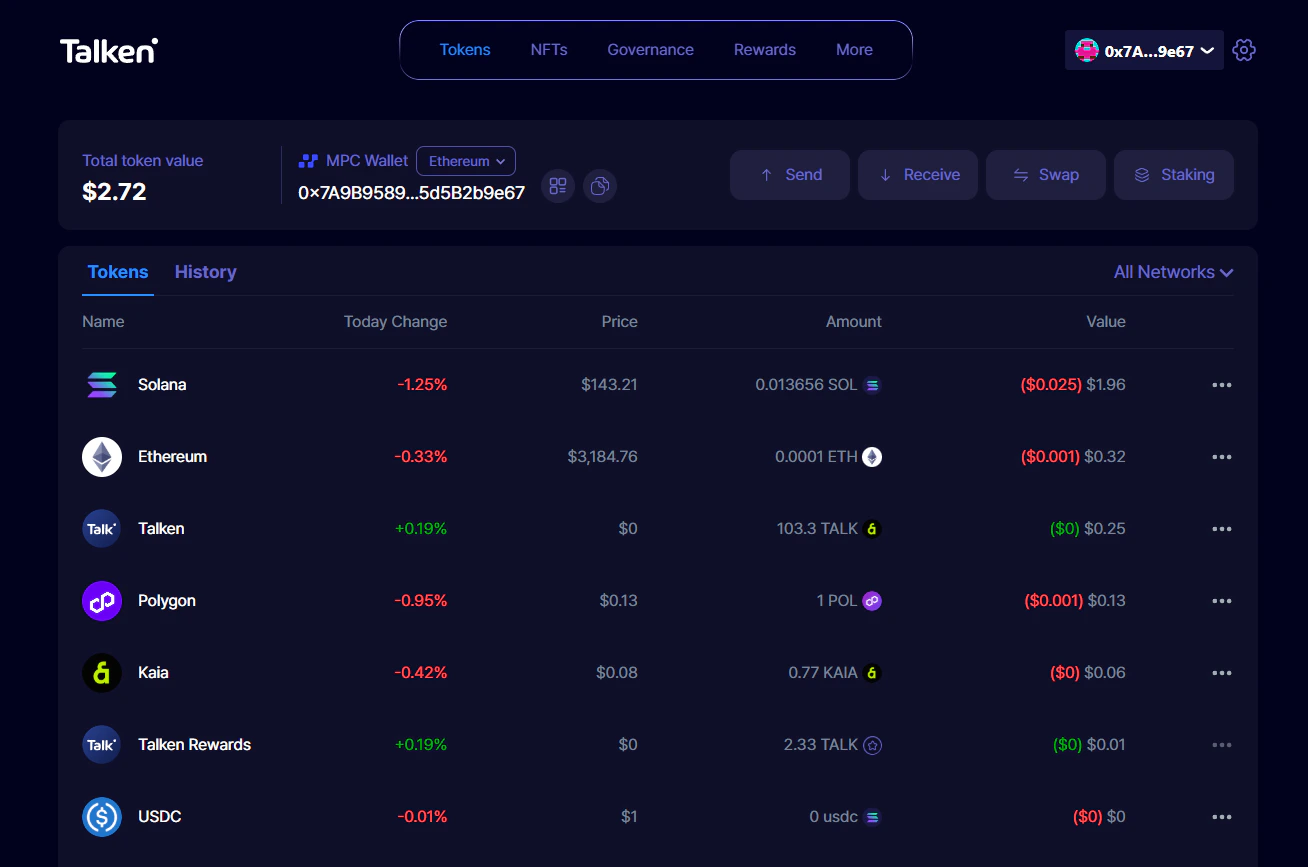
Sign Up with External Wallet (Web Only)
If you already use MetaMask, Phantom, or other external wallets, you can sign up by connecting your wallet directly or via WalletConnect.1
Select Wallet
Click on the wallet you want to connect (e.g., MetaMask) on the login screen.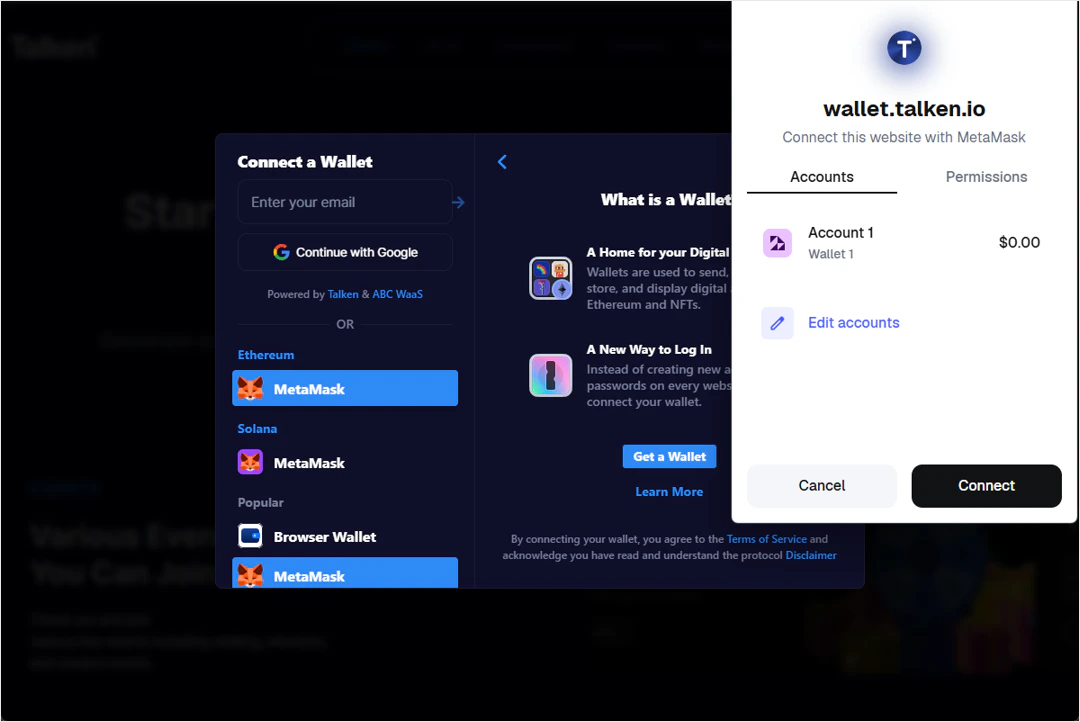
2
Connect and Done
Approve the wallet connection to complete sign-up.