Download App


How to Recover Wallet
- Recover with Document
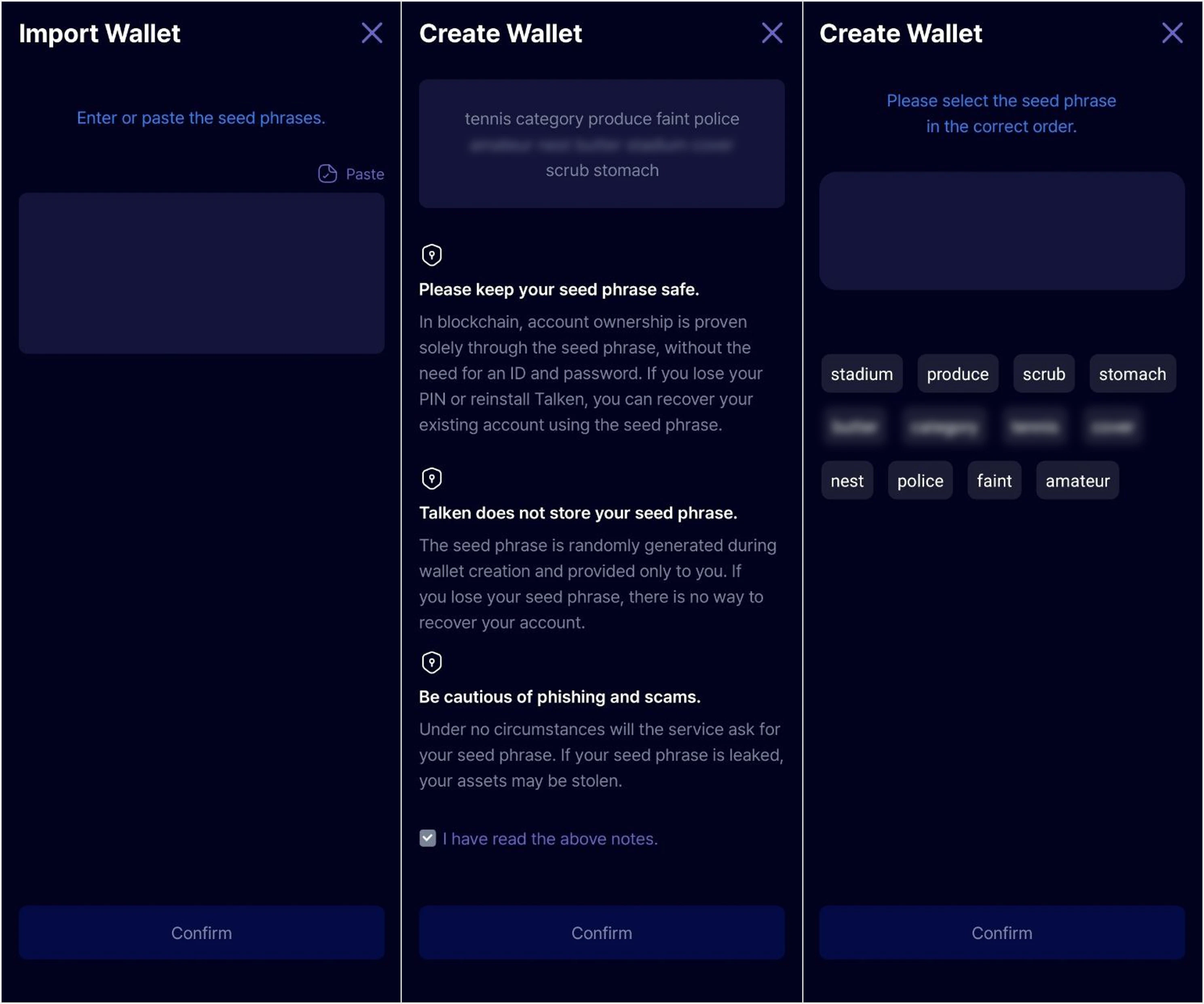
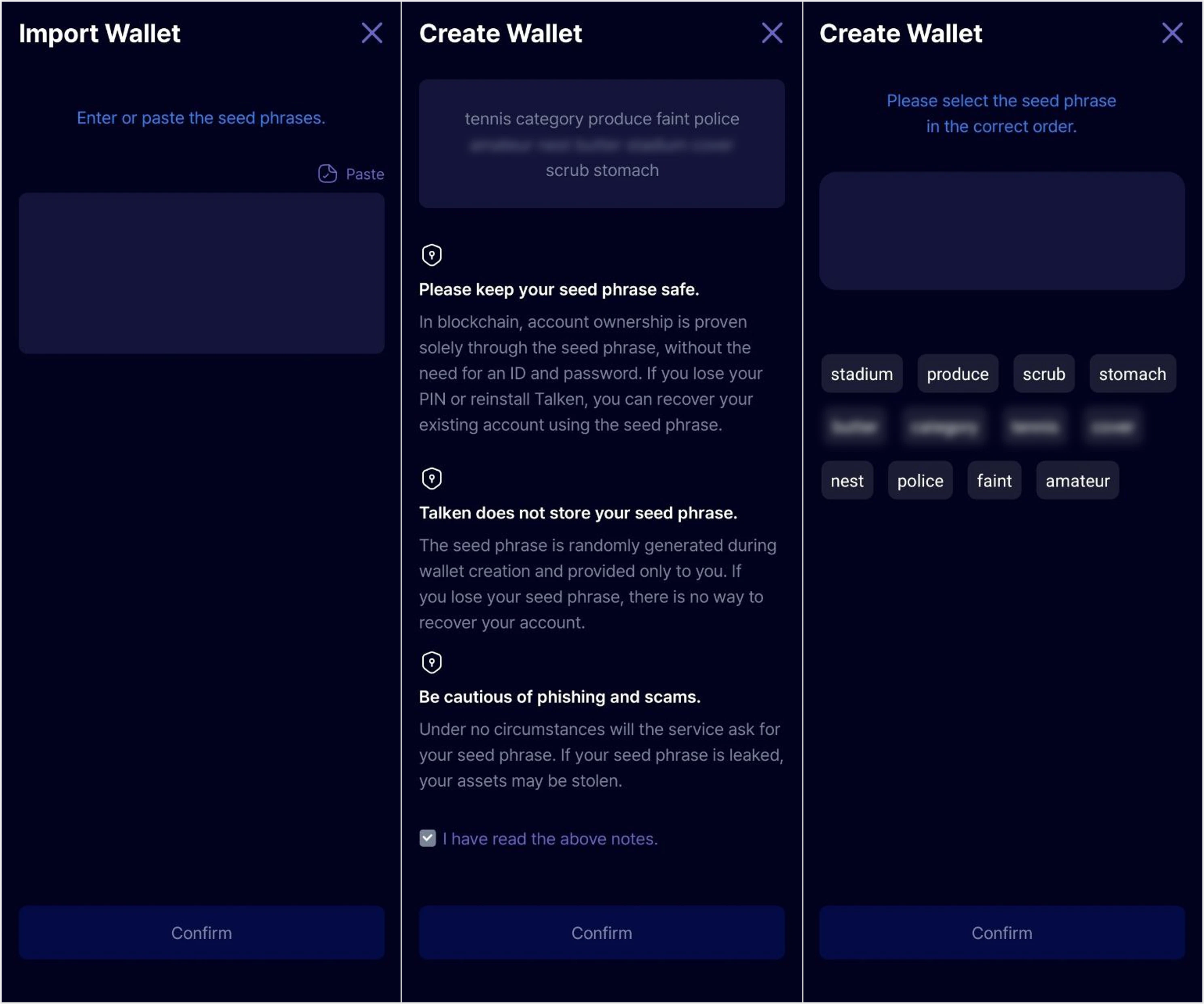
- Register & Recover with Mnemonic
Recover using a previously issued Talken recovery document.
You must be logged in to the Talken account that created the wallet with the recovery document to use this option.
1
Start Wallet Recovery
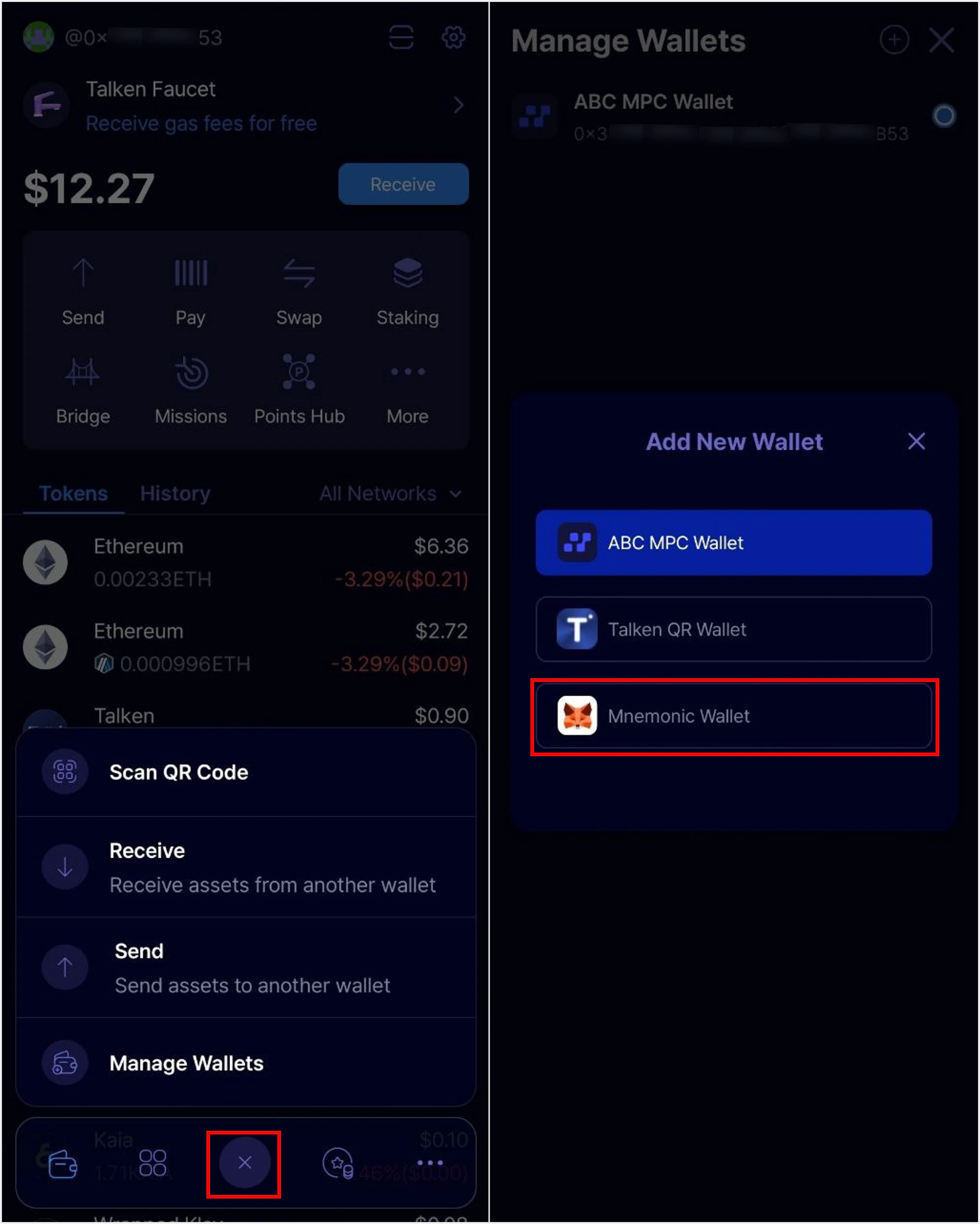
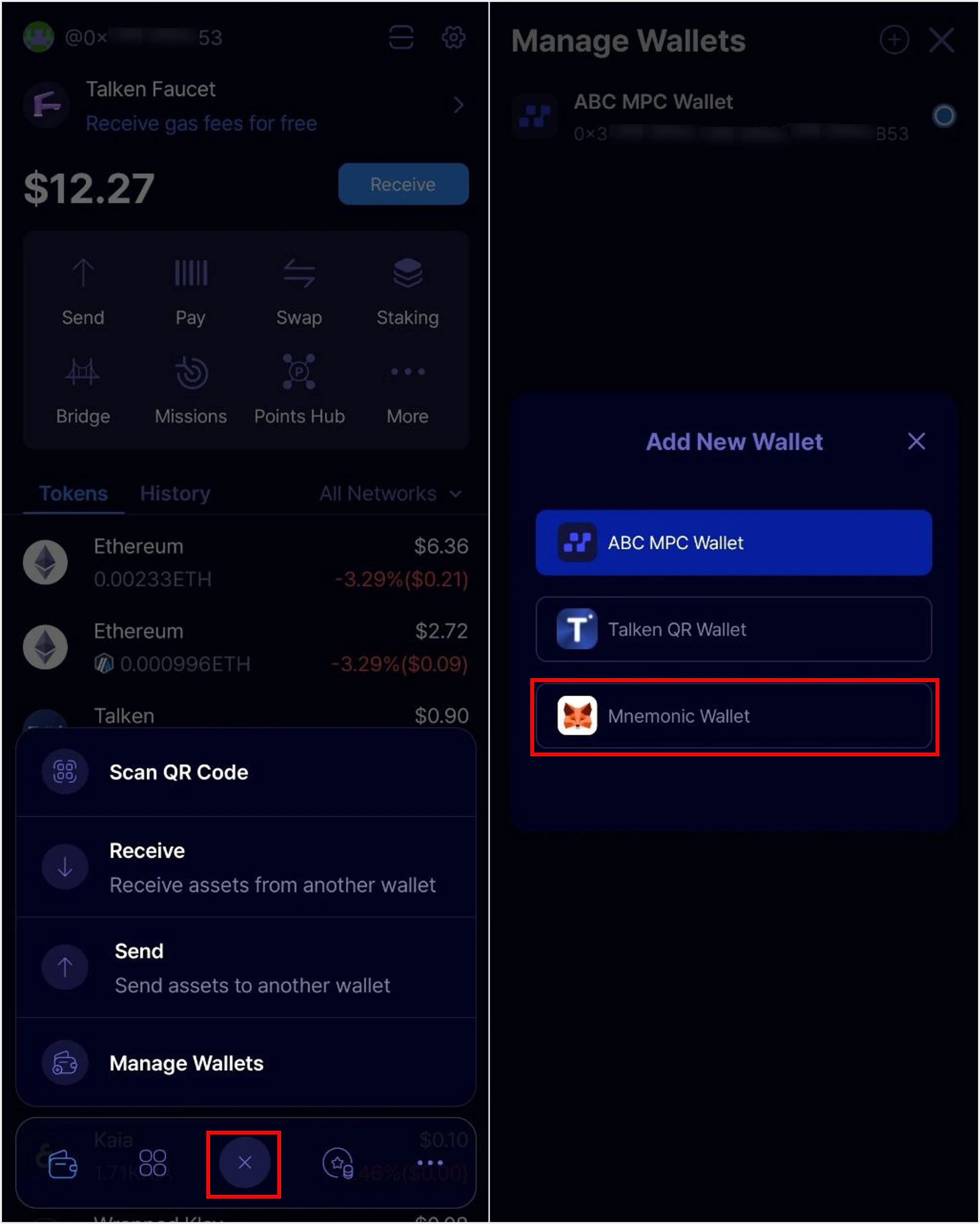
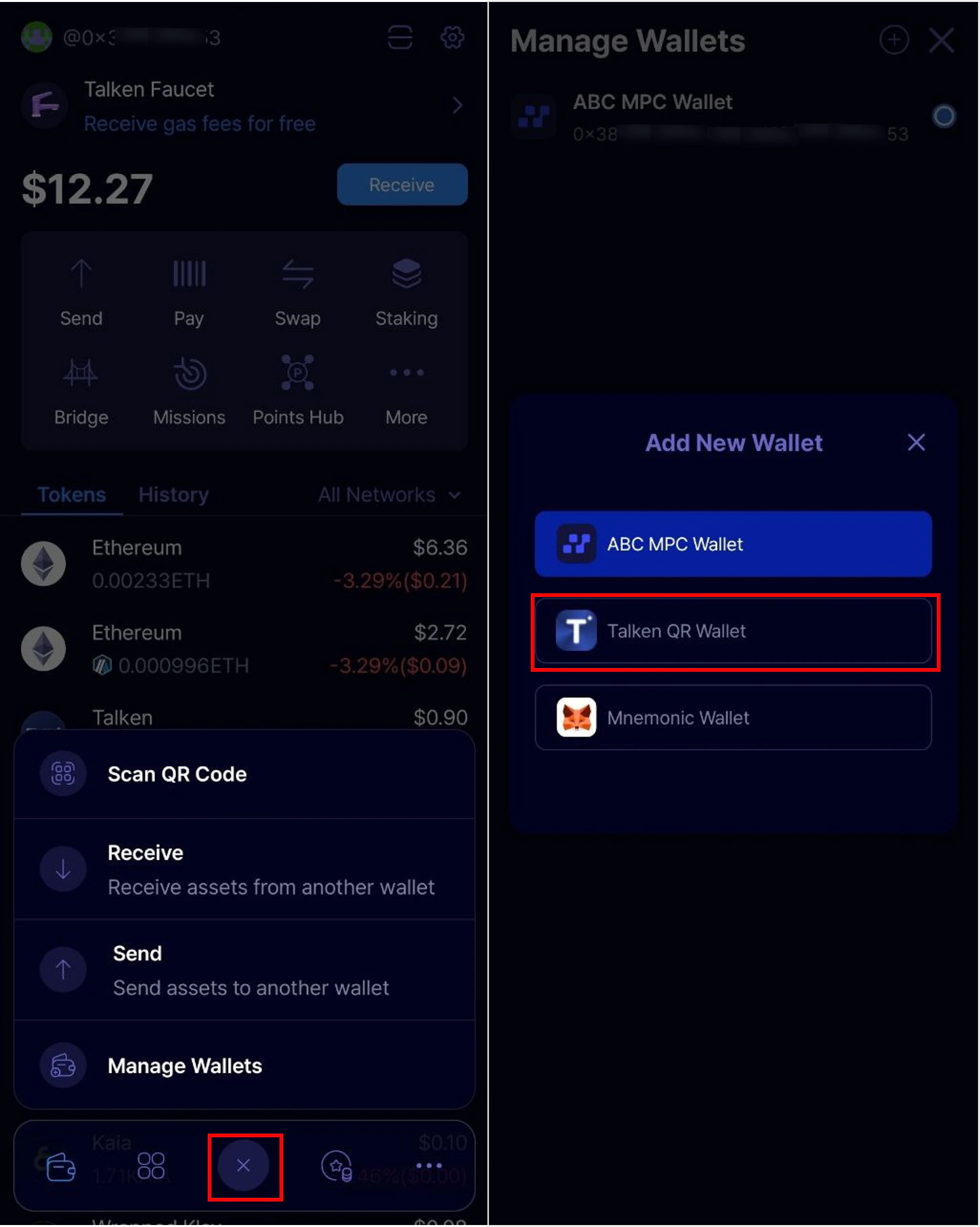
Tap the ’+’ button at the bottom center of the app main page, then select ‘Talken QR Wallet’.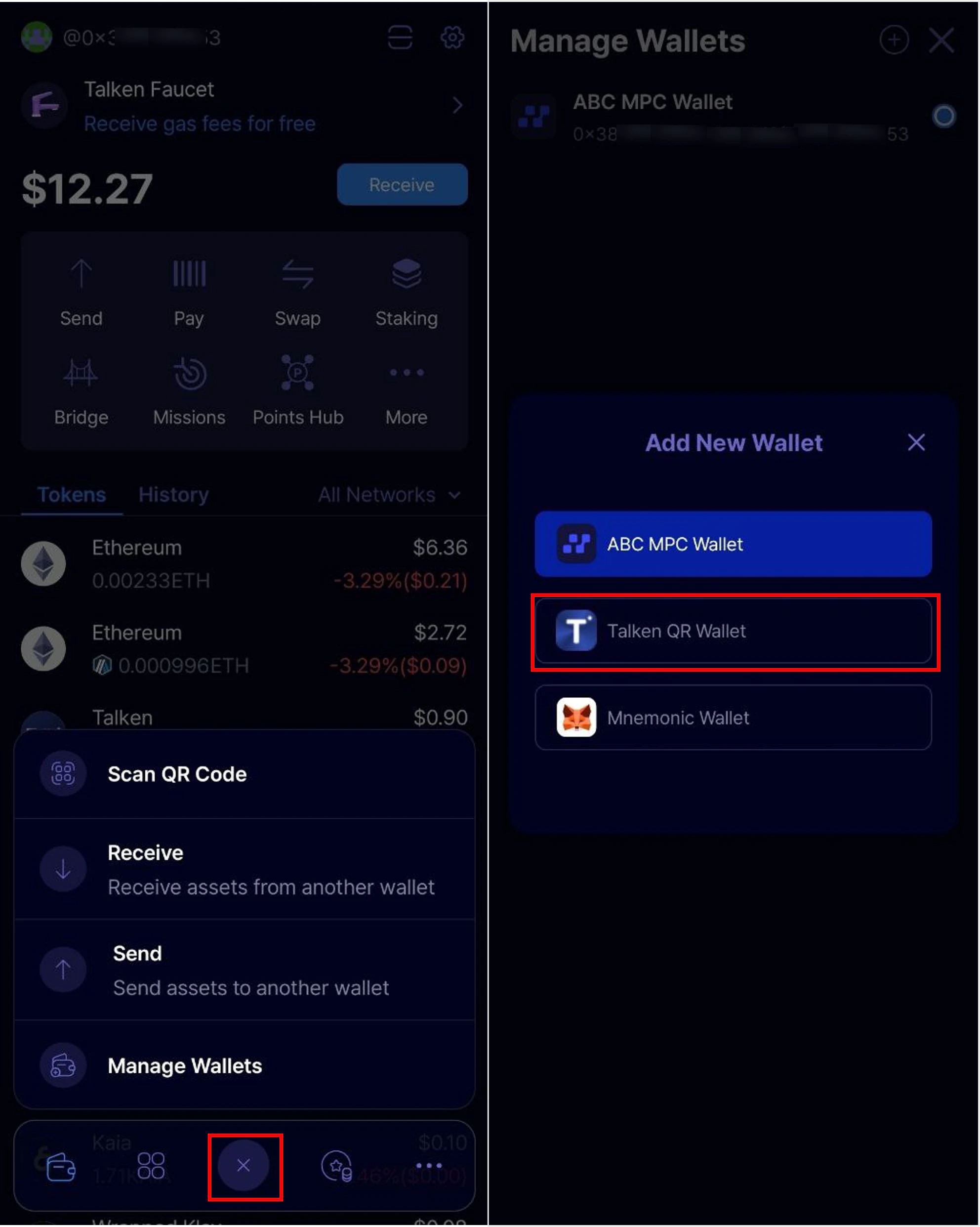
2
Scan the Recovery Code & Enter Recovery Password
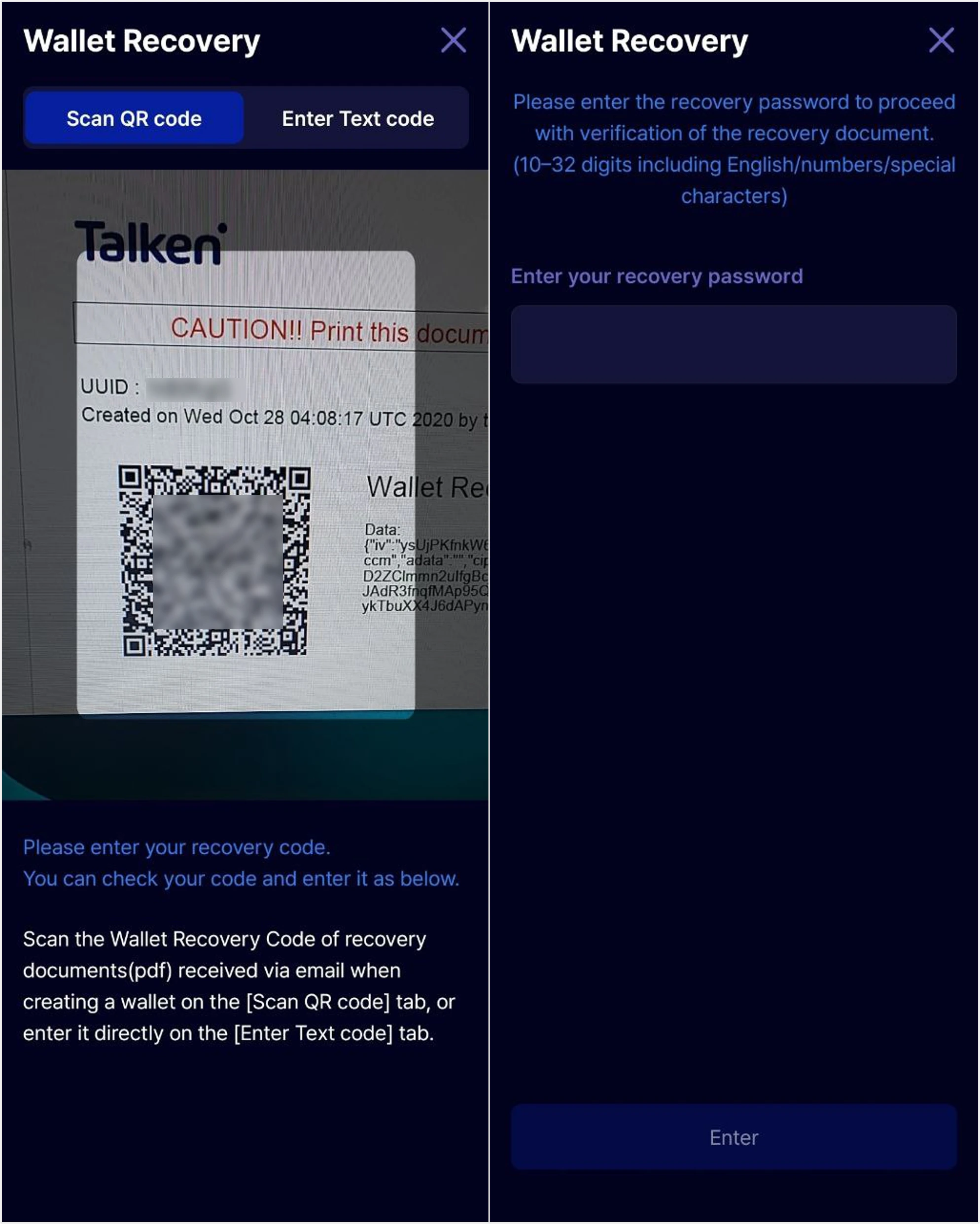
Scan the wallet recovery QR code on your recovery document, then enter your recovery password. Once you enter the correct password, your wallet recovery will be complete.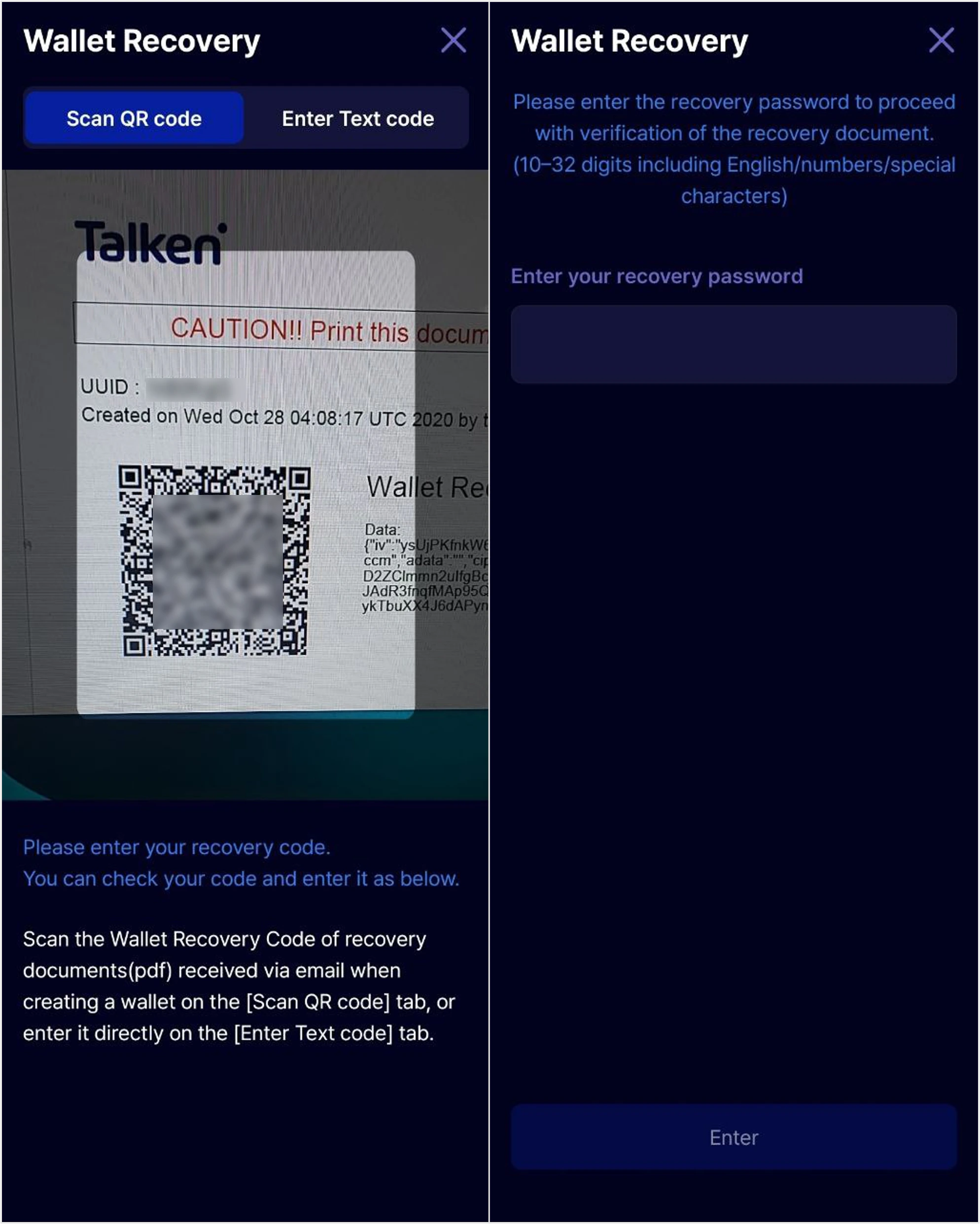
Note
. The recovery code is attached to the verification email you received when creating your wallet.
. The recovery password must be 10–32 characters, including letters, numbers, and special characters.
. The recovery code is attached to the verification email you received when creating your wallet.
. The recovery password must be 10–32 characters, including letters, numbers, and special characters.
3
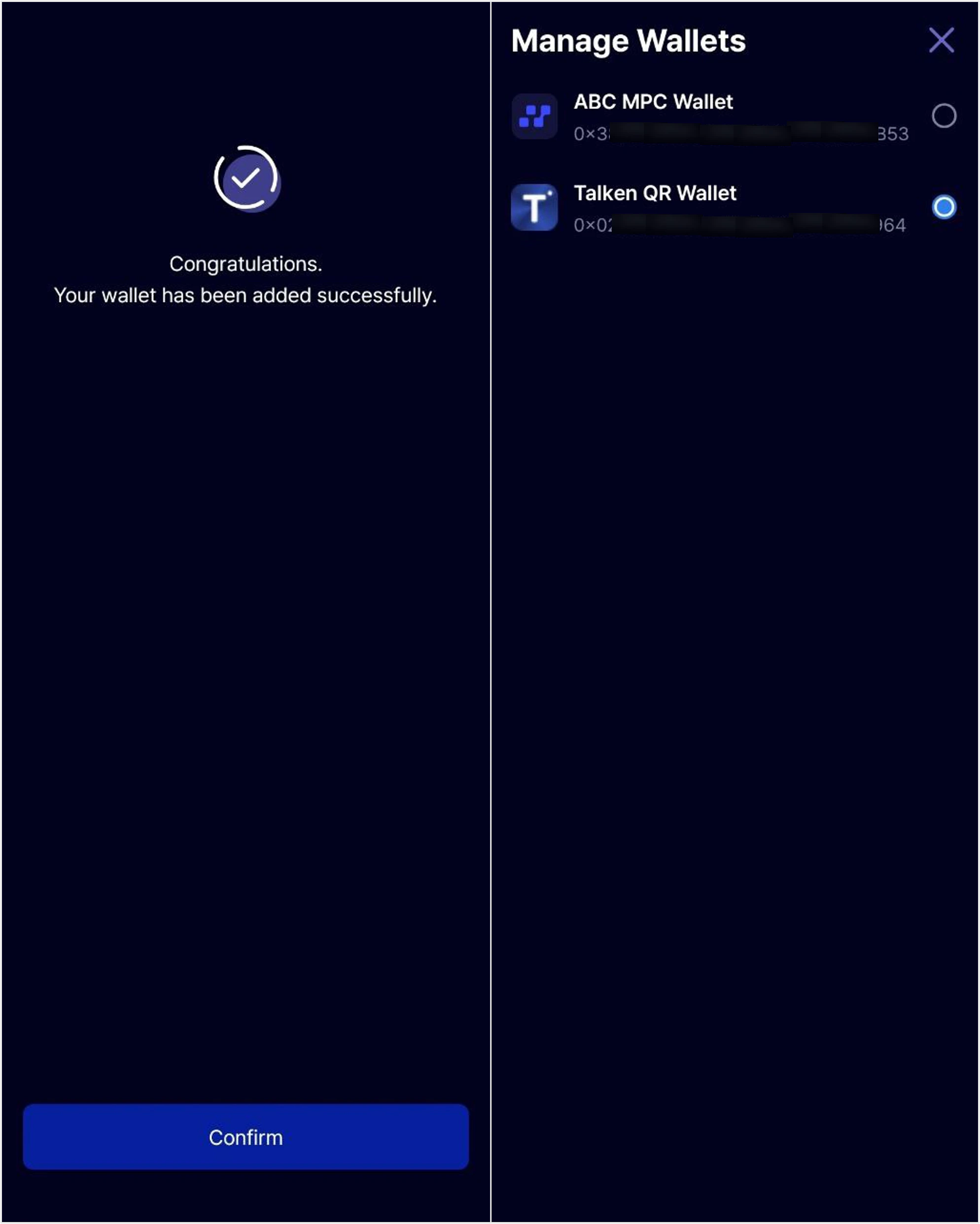
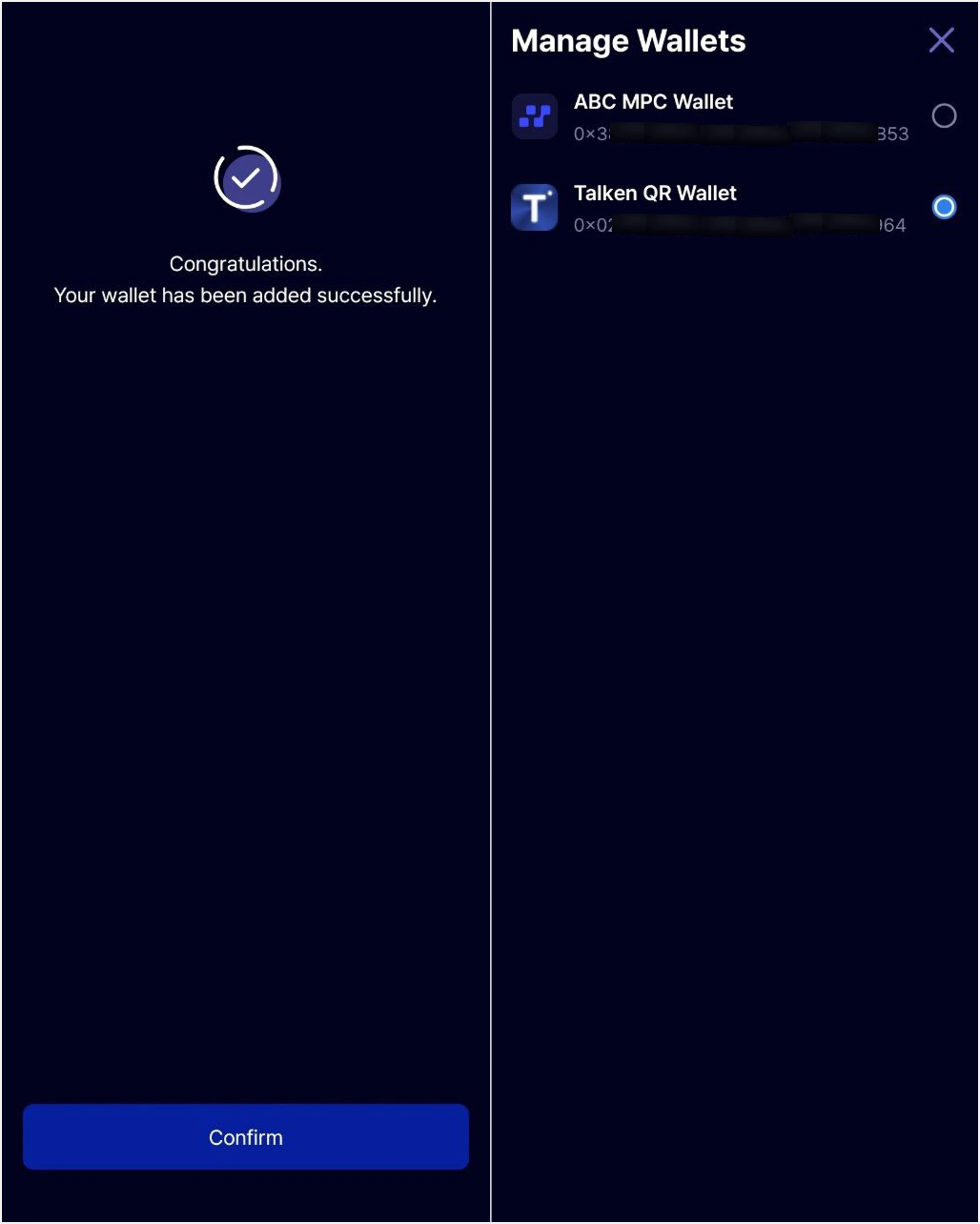
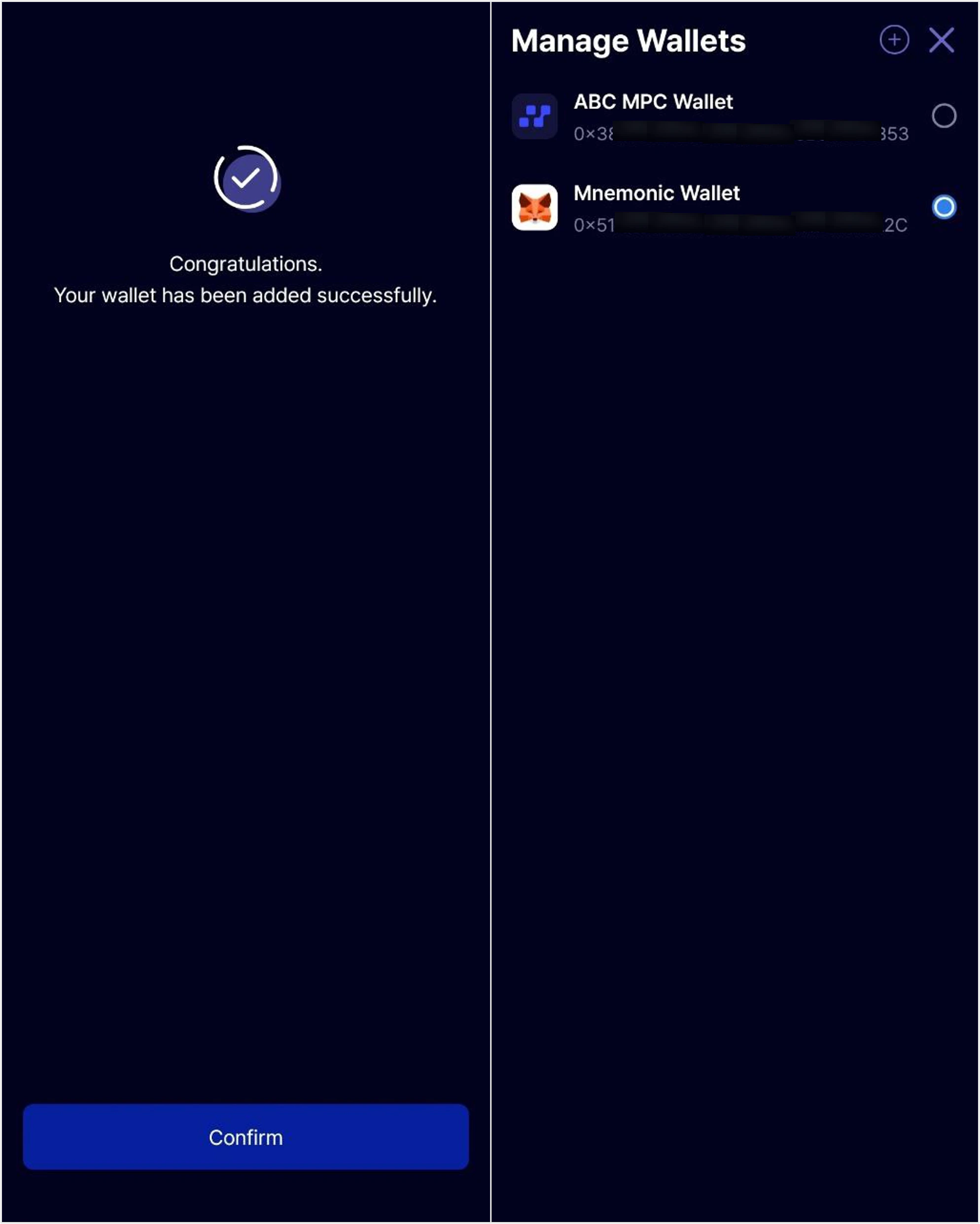
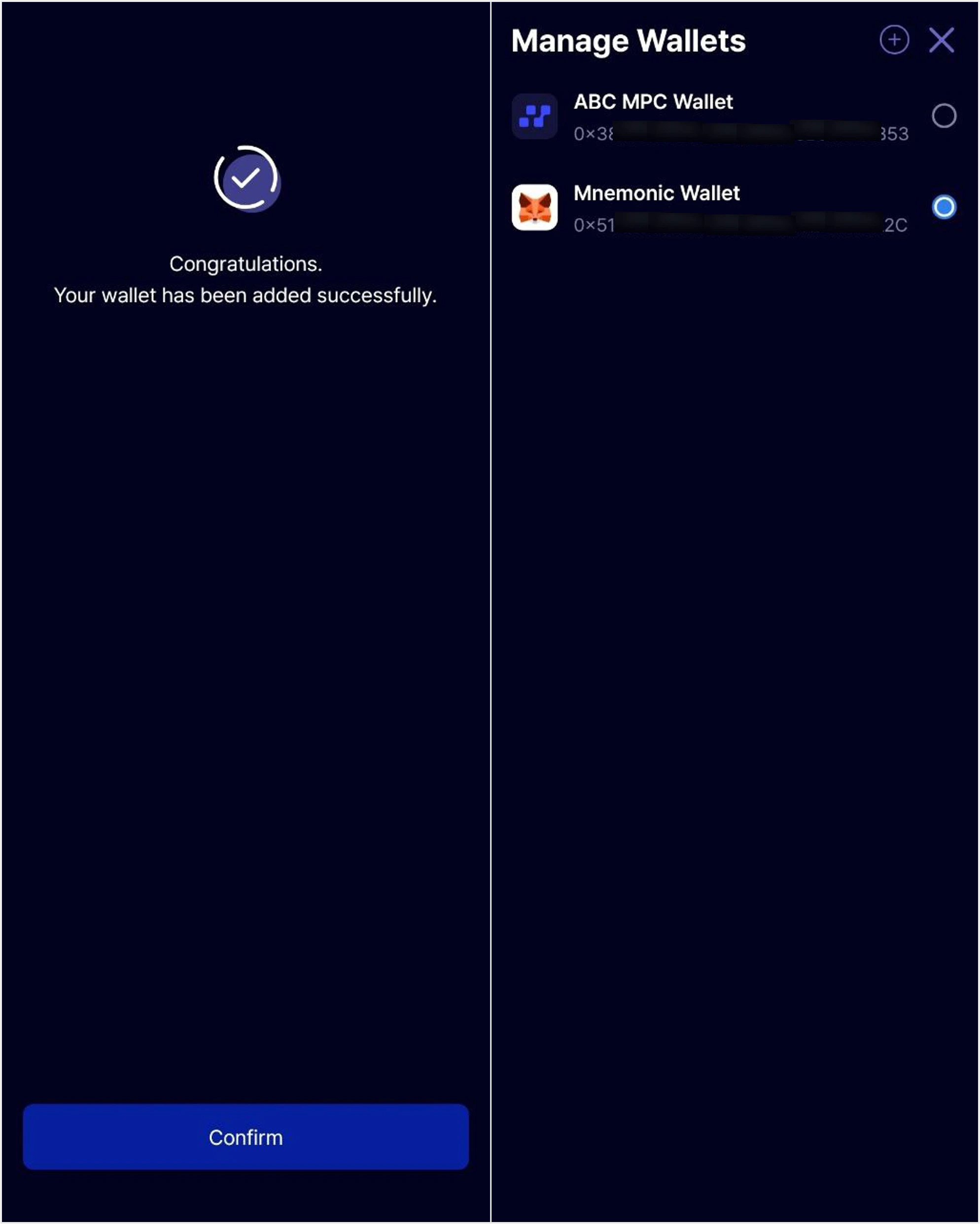
Recovery Complete
Wallet recovery is complete. You can now use both Talken QR Wallet and ABC MPC Wallet through the ‘Wallet Management’ feature in the Talken app.