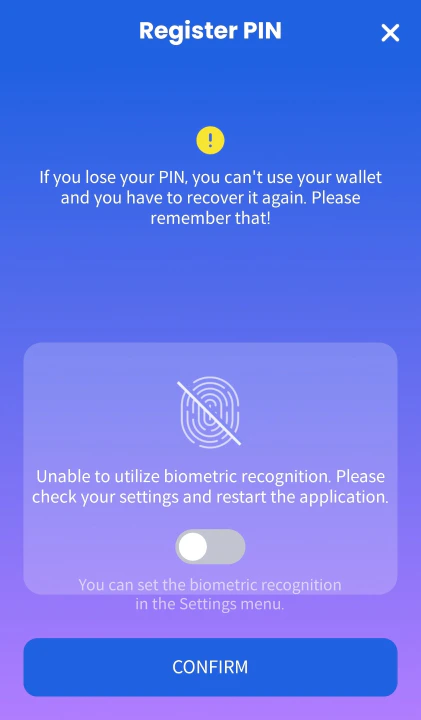
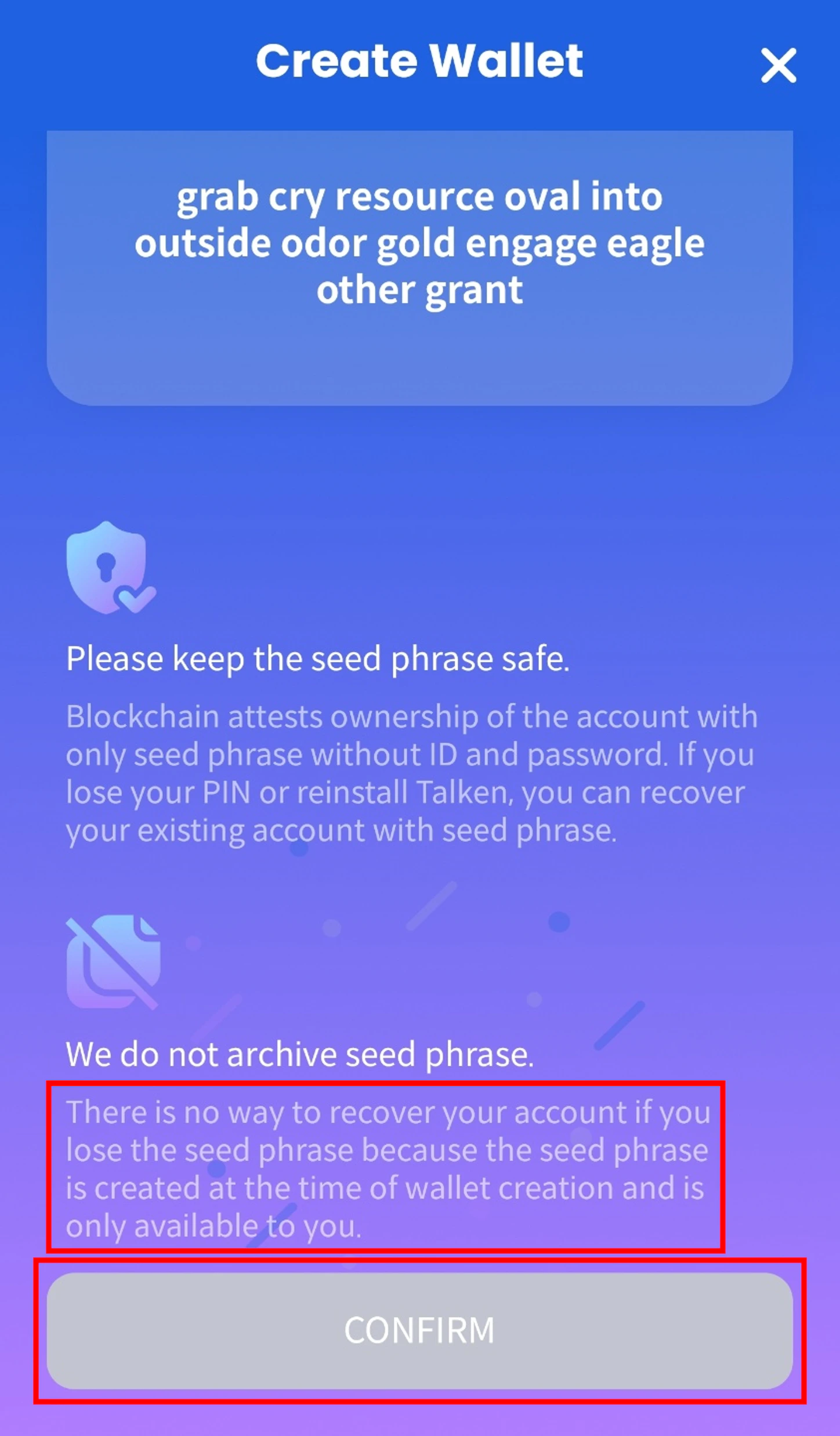
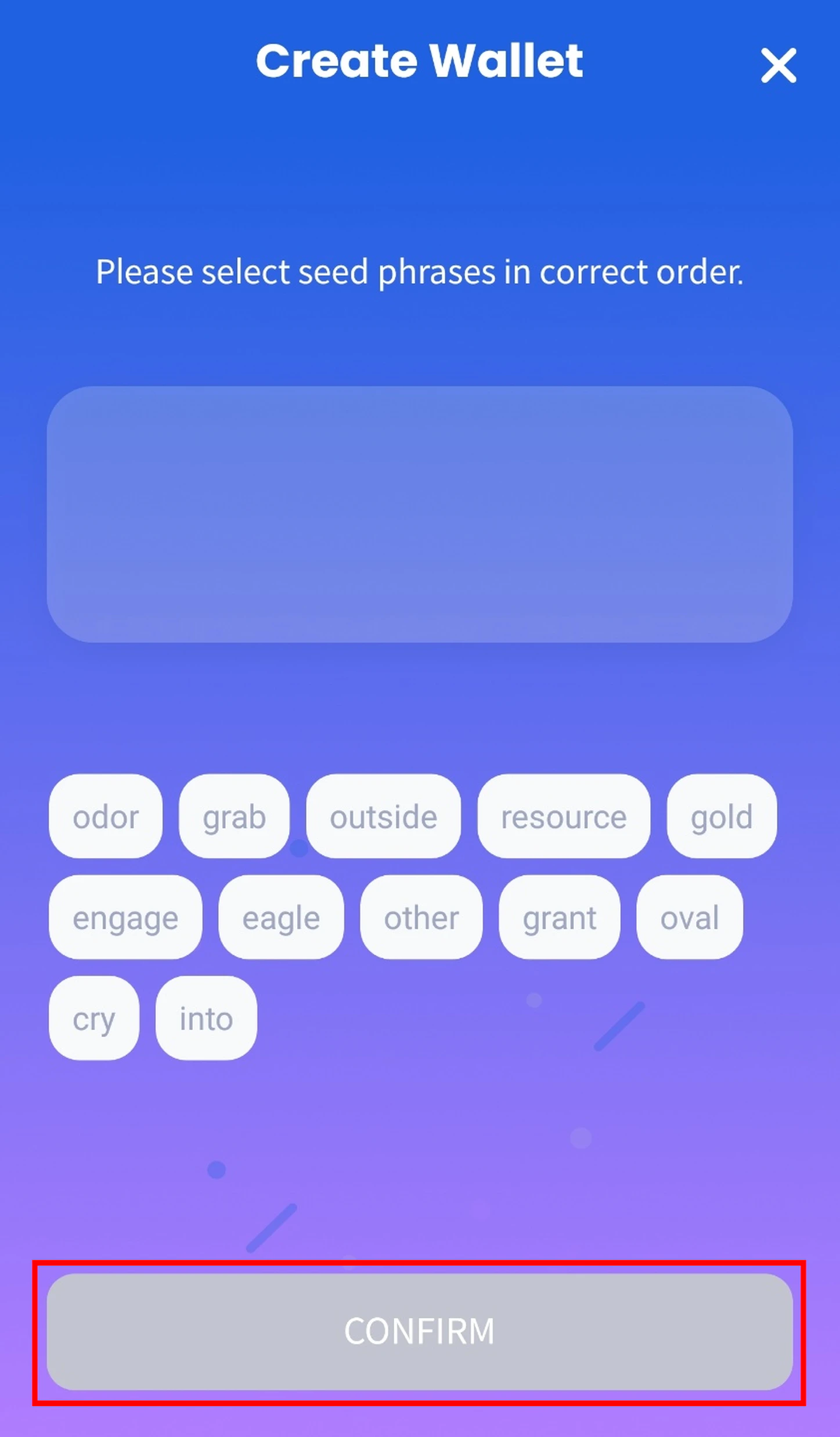
To recover an existing wallet created using a Recovery Document or a Mnemonic phrase, please follow the steps below.
Important Notice
The Recovery Document issuance service has been discontinued.
This recovery method is only available if you previously received a Recovery Document.
You must log in with the same Talken account that was used to create the wallet with the Recovery Document in order to see this option.
1. Download Talken from app store or google play
iOS users: App store
Android users: Google store
2-1. Wallet Recovery Using a Recovery Document
(1) Start Wallet Recovery
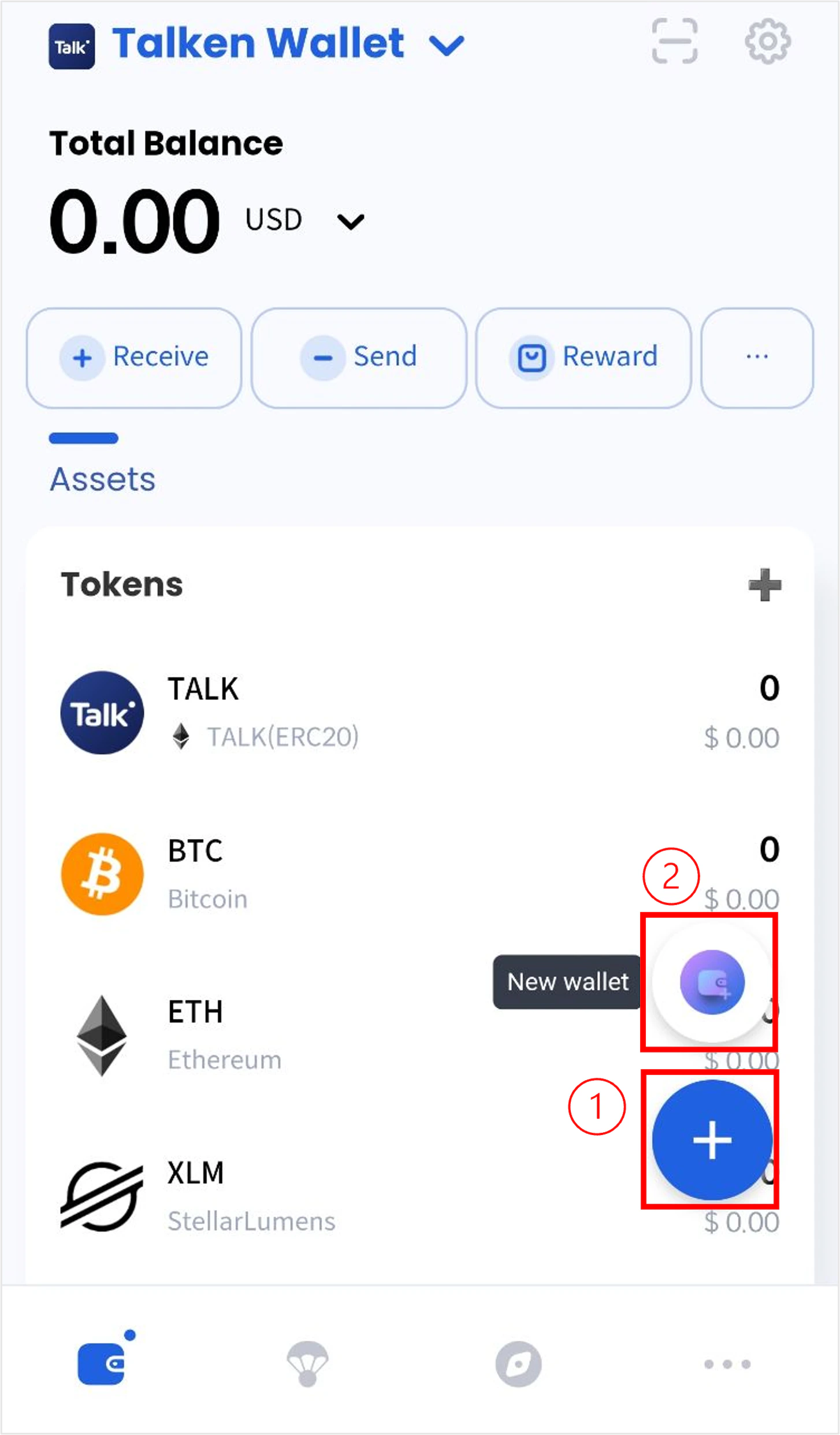
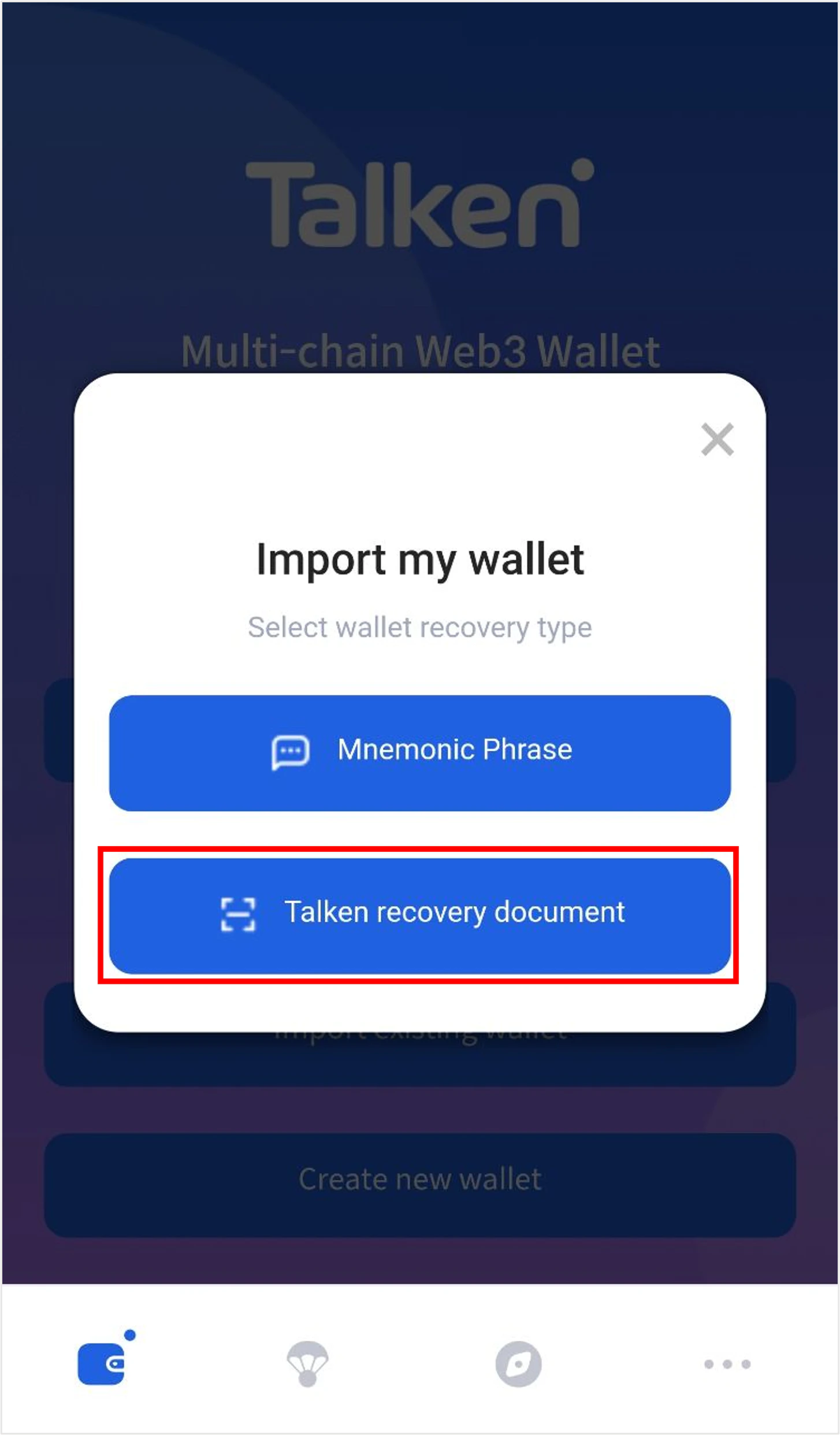
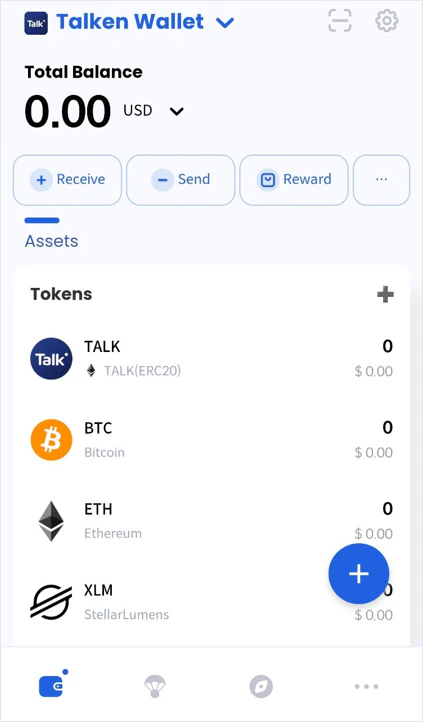
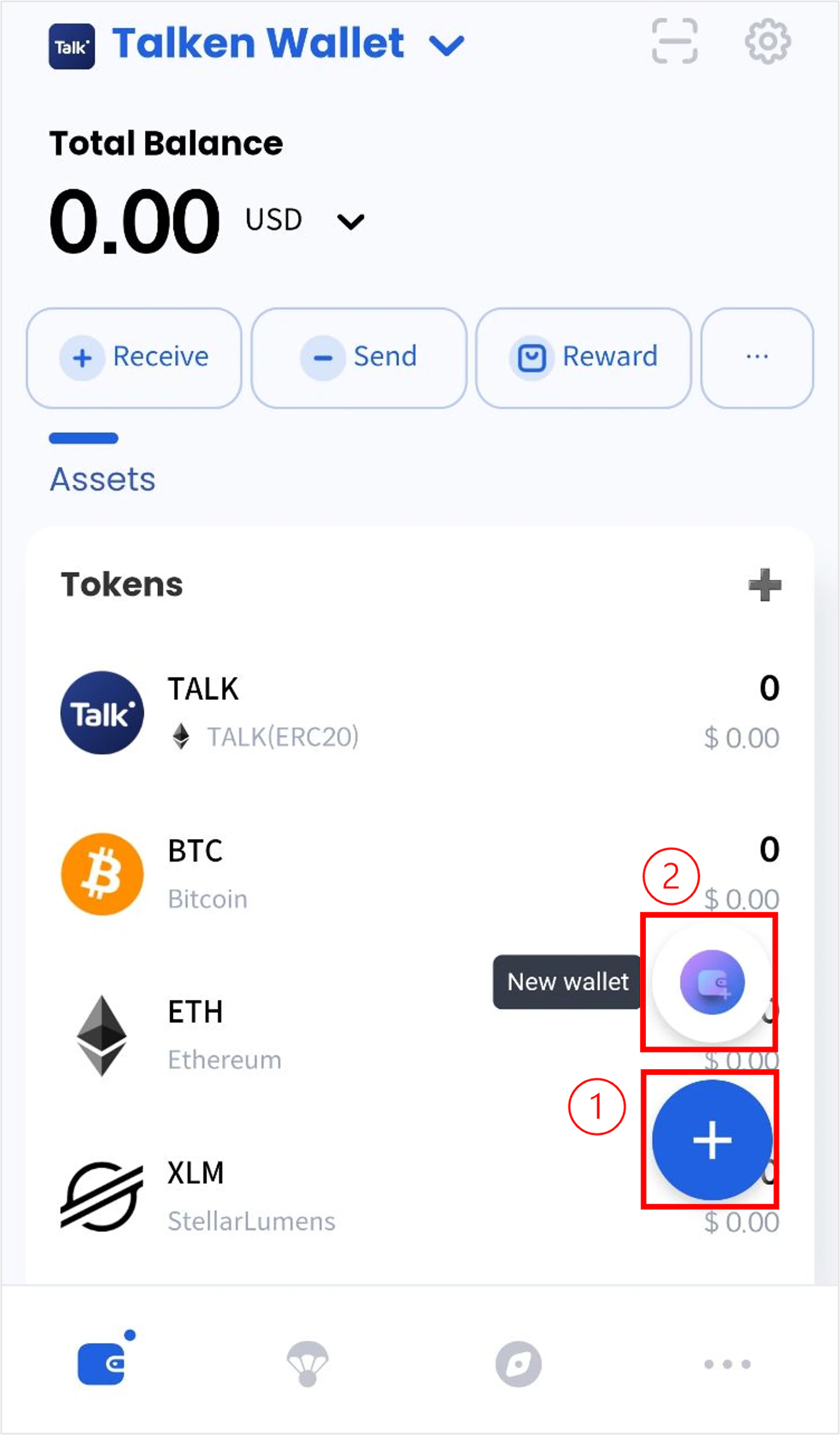
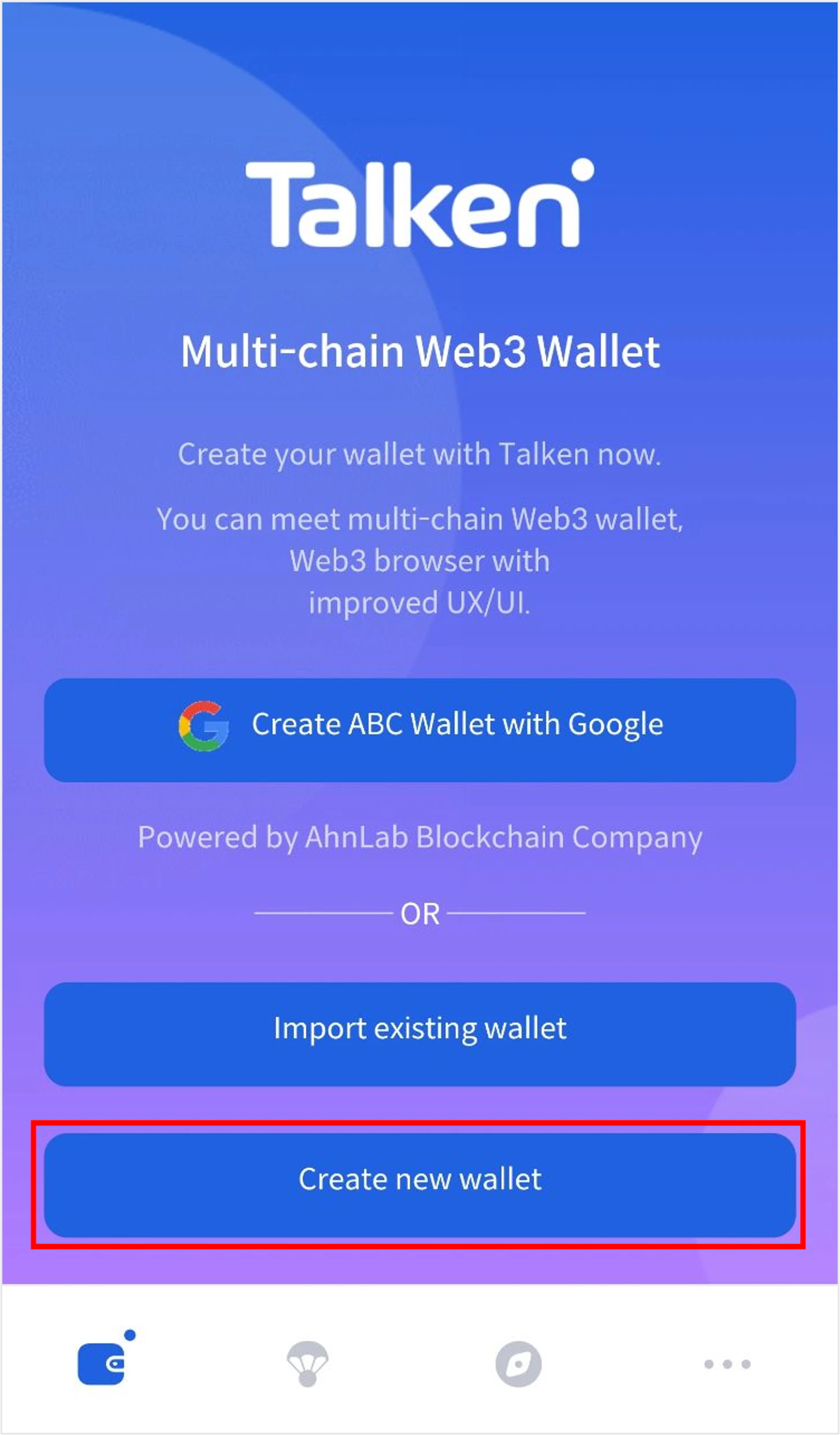
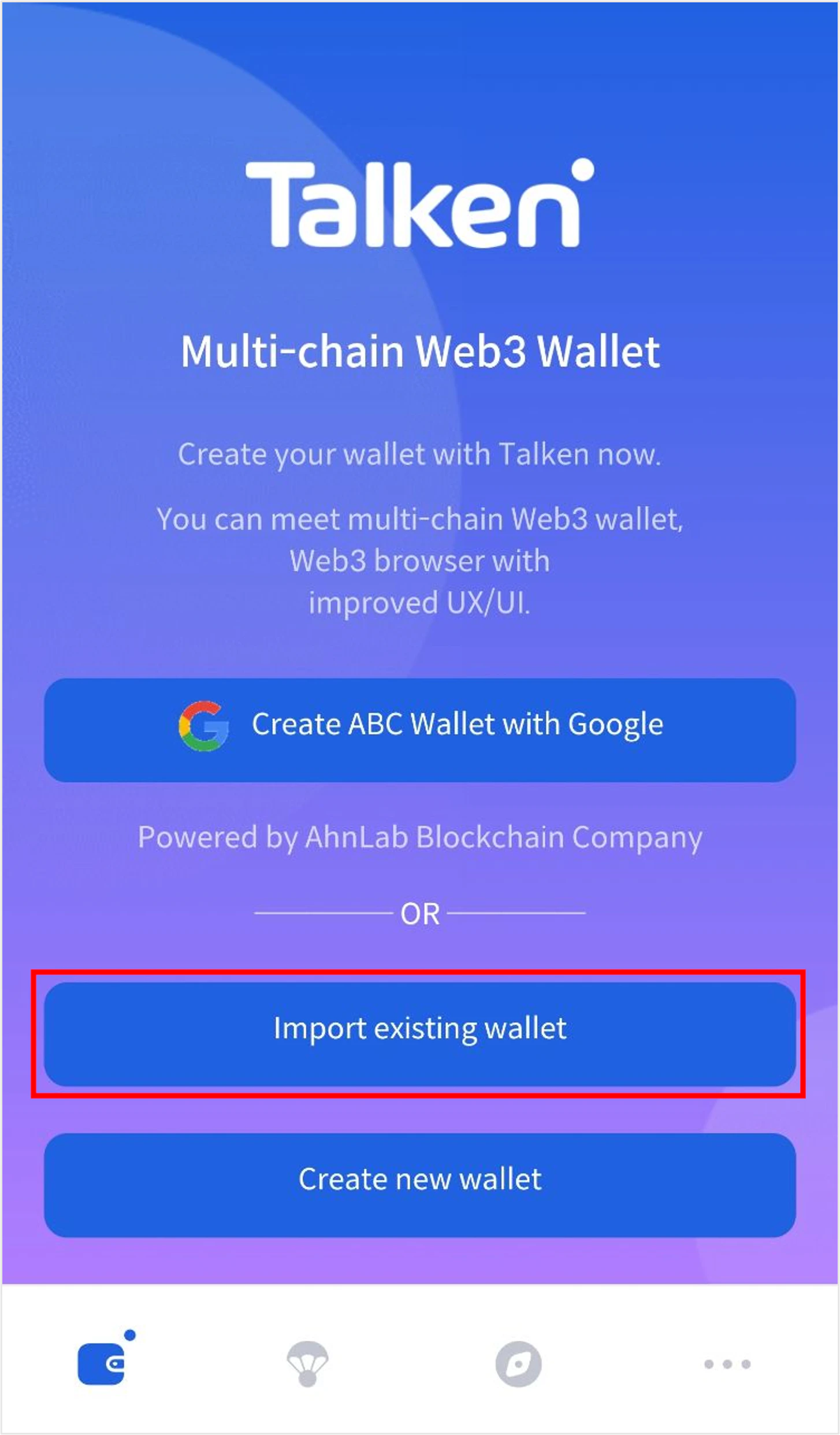
On the main page of the app, tap the “+” button at the bottom center and select “Talken QR Wallet.”
(2) Scan the Recovery Code & Enter Recovery Password
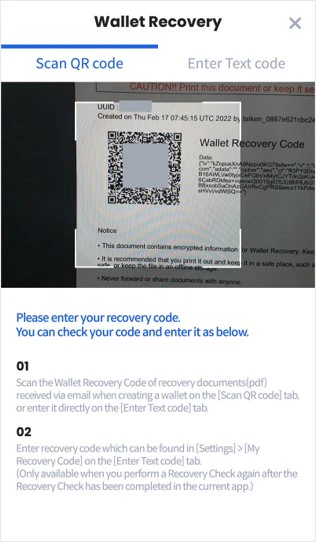
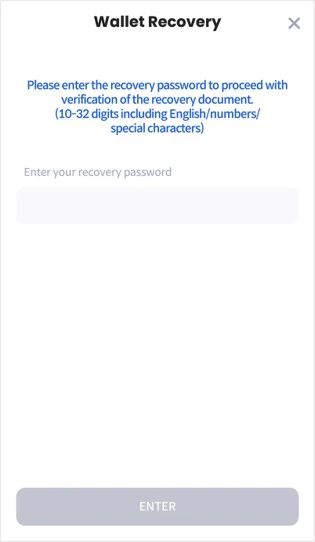
Scan the wallet recovery QR code on your Recovery Document → Enter your recovery password.
The recovery code is attached to the verification email you received when creating your wallet.
The recovery password must be 10–32 characters, including letters, numbers, and special characters.
(3) Scan the Recovery Code & Enter Recovery Password
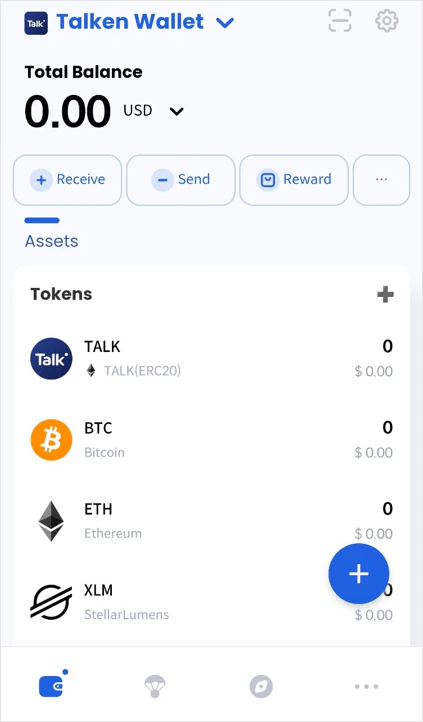
Your wallet has been successfully recovered.
Through the “Wallet Management” feature in the Talken app, you can now use both the Talken QR Wallet and the ABC MPC Wallet.
2-2. Wallet Recovery Using a Recovery Mnemonic
1) Start Wallet Recovery
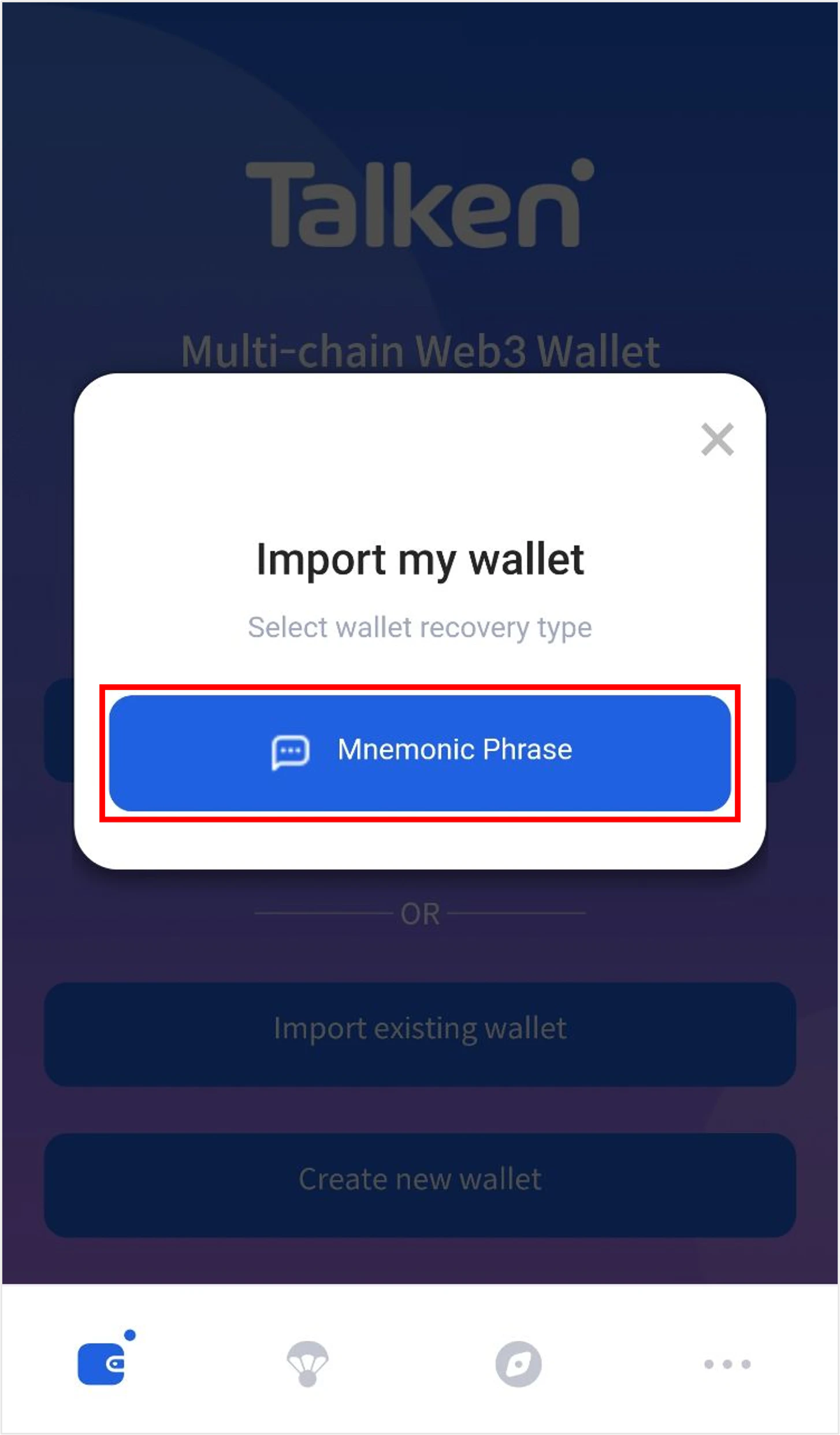
On the main page of the app, tap the “+” button at the bottom center and select “Mnemonic Wallet.”
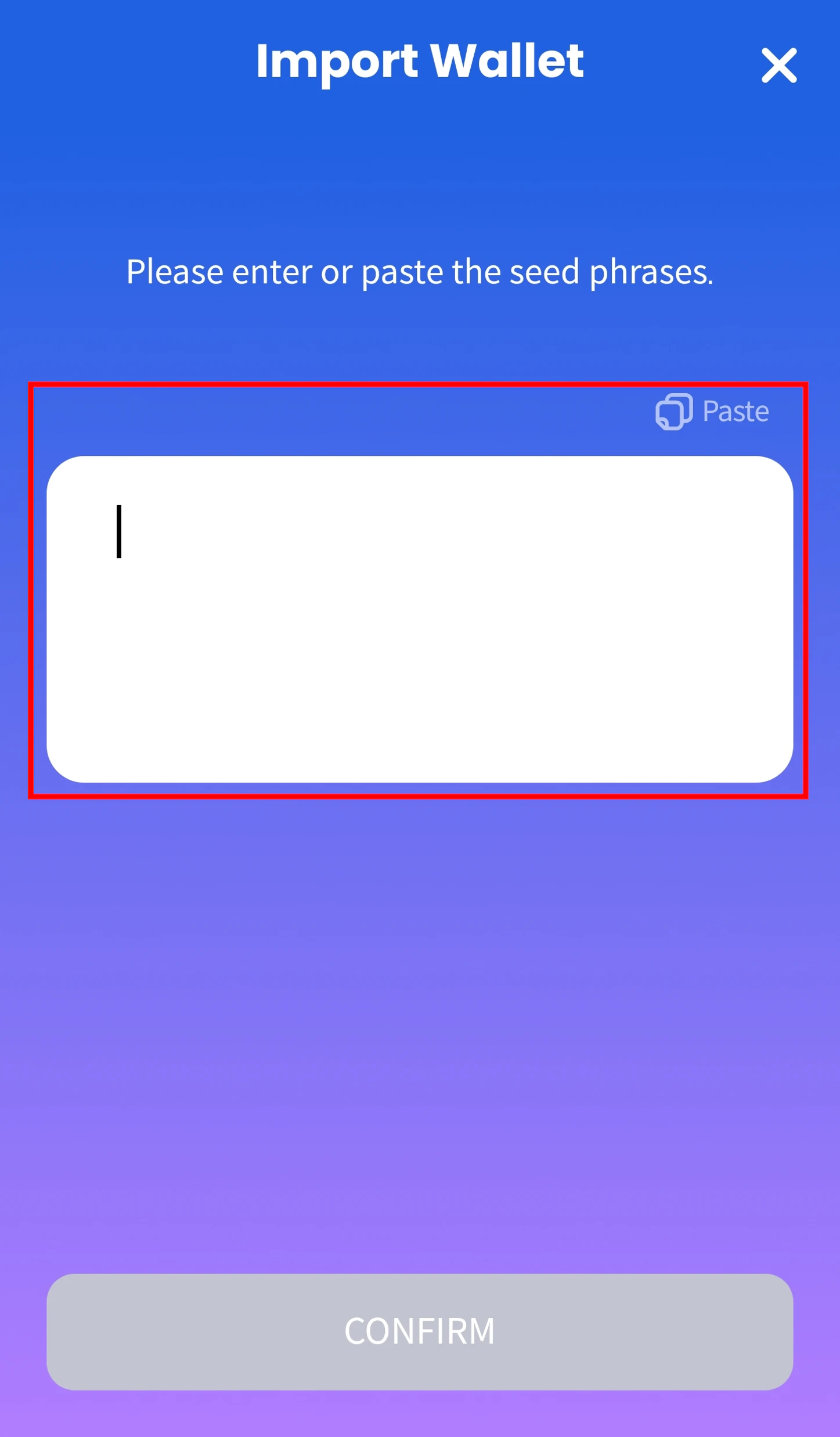
2) Enter Seed Phrase
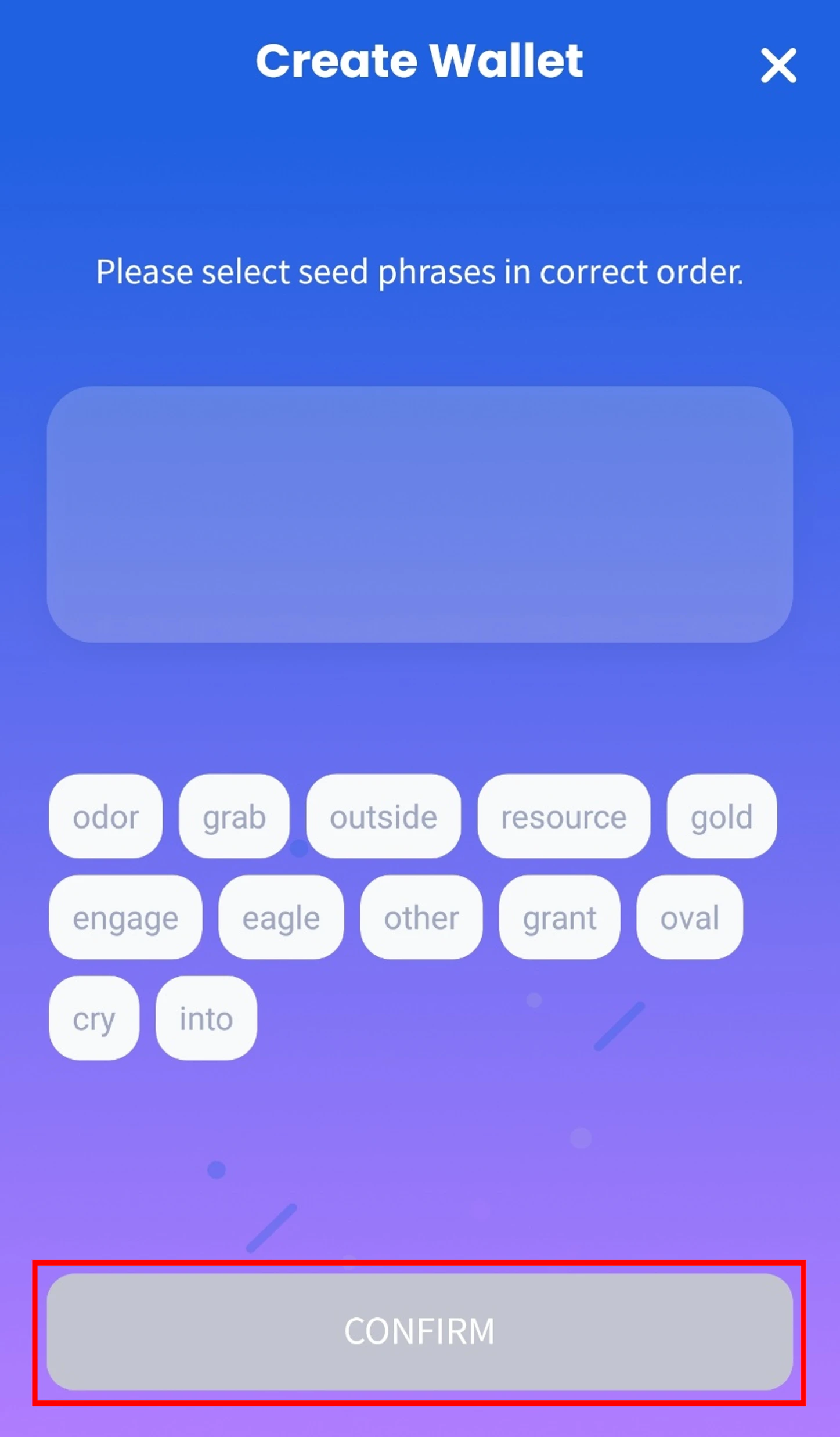
Enter the 12-word Seed Phrase of the wallet you want to recover in the correct order. After entering the phrase, review the on-screen notice and proceed.
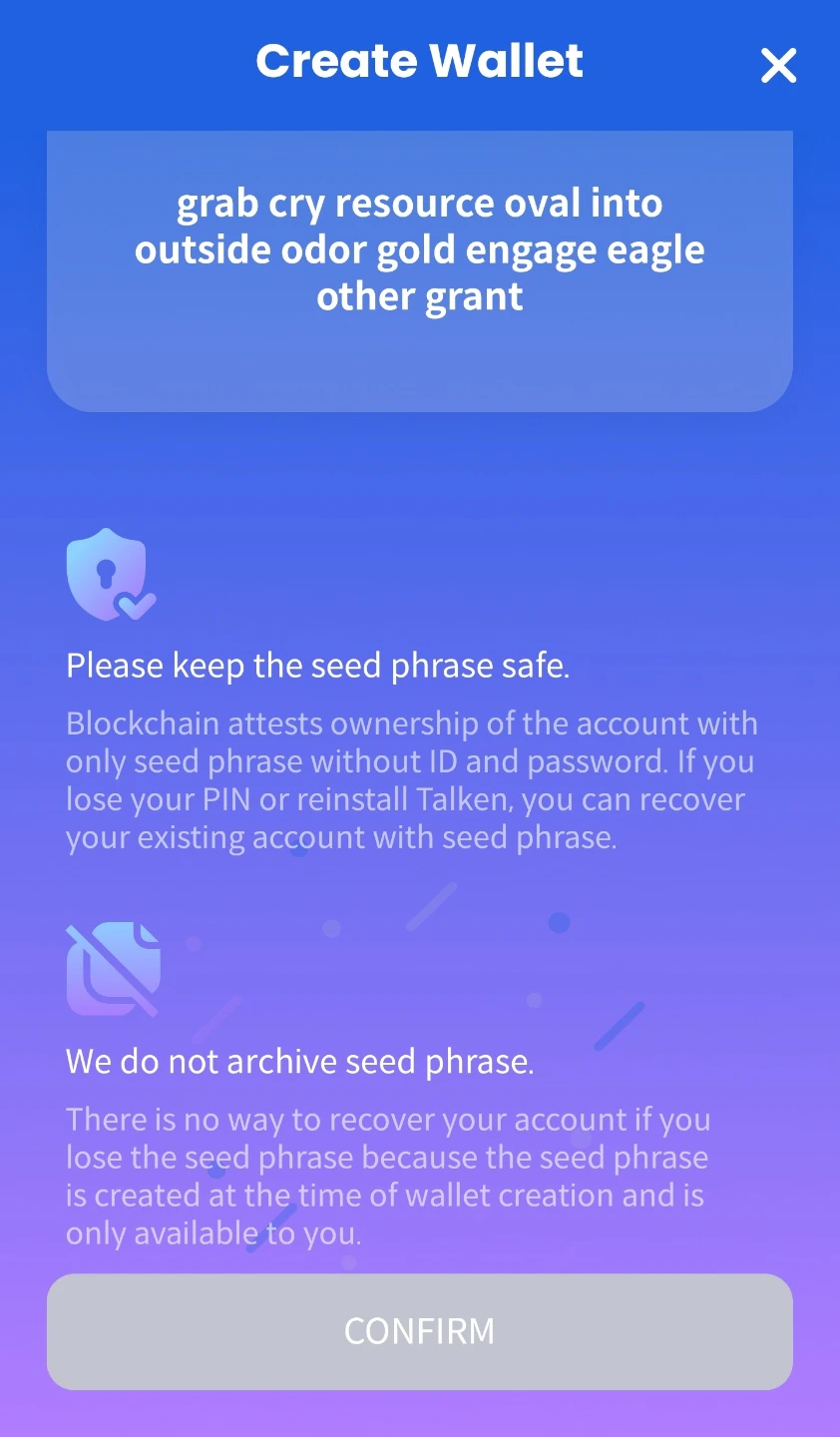
The Seed Phrase is essential for wallet recovery.
If it is lost, the wallet cannot be recovered, so please store it securely.
3) Recovery Completed
Your wallet has been successfully recovered.
Through the “Manage Wallet” feature in the Talken app, you can use both the Mnemonic Wallet and the ABC MPC Wallet.